


What is HTML to SVG Conversion
HTML to SVG conversion means turning web content into a scalable vector image format. SVG is an acronym of Scalable Vector Graphics. It maintains the sharpness of the image in any size.
Key Features of HTML to SVG Tool
Fast Conversion
This software is a free HTML to SVG converter that takes a few seconds. You need not wait or go through any lengthy process. Just copy and paste or type in a URL and have instant results. It is time-saving and enables you to work faster when in need of quick design or development work.
High Quality Output
The output preserves the original layout and structure of the design. There is no blur and pixel loss. SVG is a vector format. Even when you enlarge the picture or change it to a big screen or print it. The image remains clear.
URL and Code Support
The tool allows you to be flexible. You have an option to paste the raw HTML code or to enter a live website URL. Both options work smoothly. This assists users who may wish to translate their own custom code or save entire web pages without additional work.
Convert HTML Files to Multiple Image Formats
No Signup Needed
This tool can be used immediately without creating an account. No login or registration. This makes it easy and convenient. When you are in a hurry and do not want to sign up.
Secure and Safe
Your privacy is important. The tool never stores your HTML code or files. It handles your data securely. All is kept confidential and is deleted once converted. This renders it safe to use both personally and professionally.
Works on All Devices
It is a completely web-based tool that is compatible with any device. You can download it to your mobile and desktop without problems. It works on all the current browsers as long as you can convert HTML to SVG. You can do it anywhere.
How to convert HTML images to SVG online.
To convert HTML to SVG with TrimIMG. Follow these few steps:
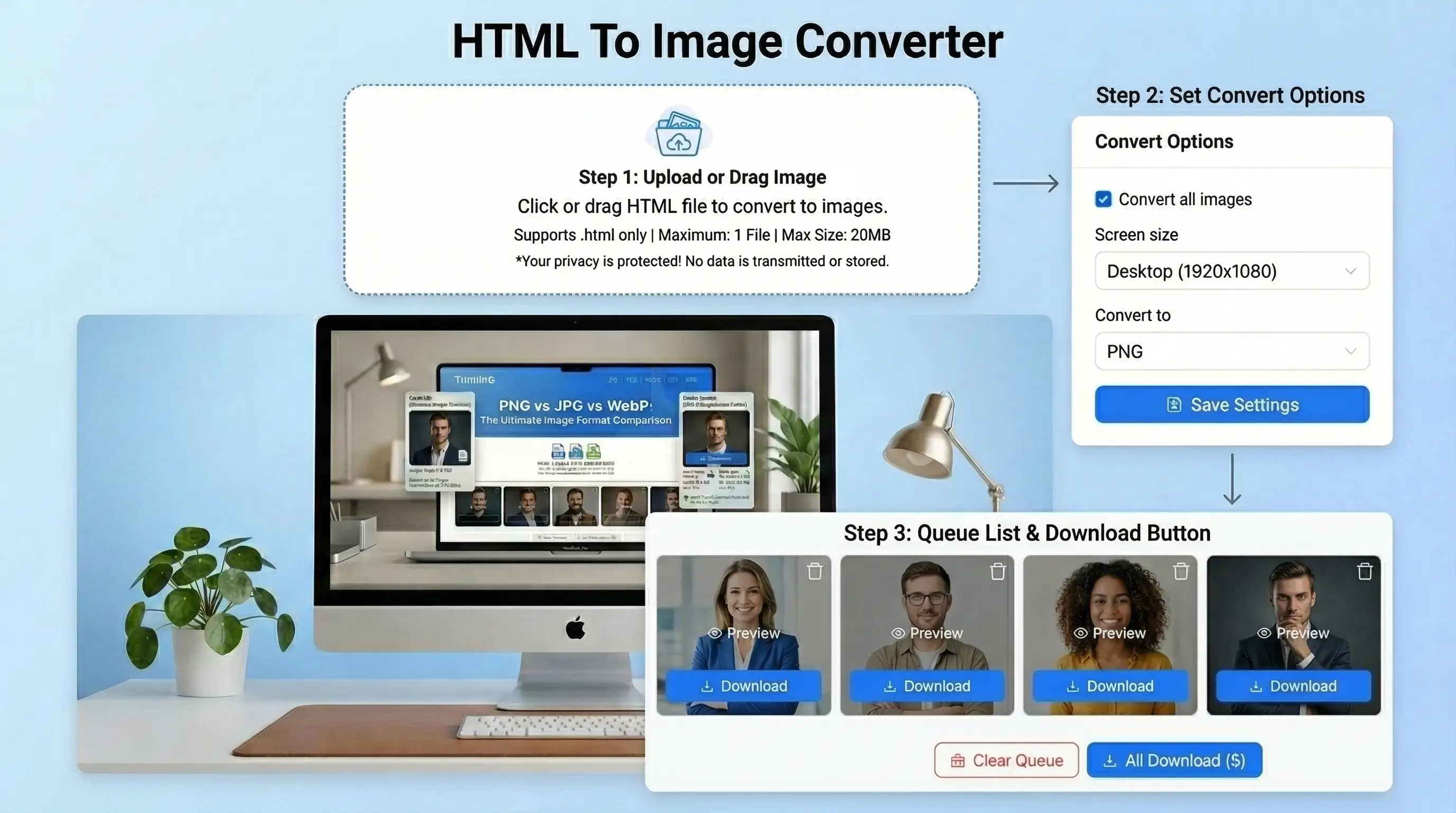
- Step 1: Insert your HTML code. Upload an HTML file. Paste in a webpage URL.
- Step 2: Choose SVG as the output type.
- Step 3: Modify output preferences. Including dimensions and background color.
- Step 4: To save HTML to an HTML file. Just click Convert.
- Step 5: Download your HTML for an SVG image without watermarks or sign-up.



