


PNG Compressor – Reduce Image Size Fast & Free with TrimIMG
A PNG compressor compresses files without compromising image quality. Large PNG files can make websites slow use a lot of storage and make sharing images difficult. Using a PNG compressor makes images ideal for websites social media and work projects.
Small pictures take up less space and load web pages more quickly. The PNG files are also smaller, hence can be saved, shared, and uploaded to the web easily. With the PNG compressor online version, you are able to save pictures on web pages, email them, or include them in a project without worrying about the size.
Whether you need an image compressor or a JPG compressor, TrimIMG covers all your needs. All compression tools are available for free and work smoothly without any hidden costs.
How to Use the TrimIMG PNG Image Compressor
It is a fast and simple PNG image compressor for all. In two clicks or so, you can downsize an image and maintain sharpness and clarity.
Step 1: Add PNG Image to Start Compression
You can start by uploading your PNG image to TrimIMG to image compress it quickly and easily. A user may drag and drop a file into the upload box or use the upload button to select a file on their computer. TrimIMG supports a wide range of image formats including PNG JPG WebP GIF, HEIC and more so uploading any type of file is easy and hassle-free.
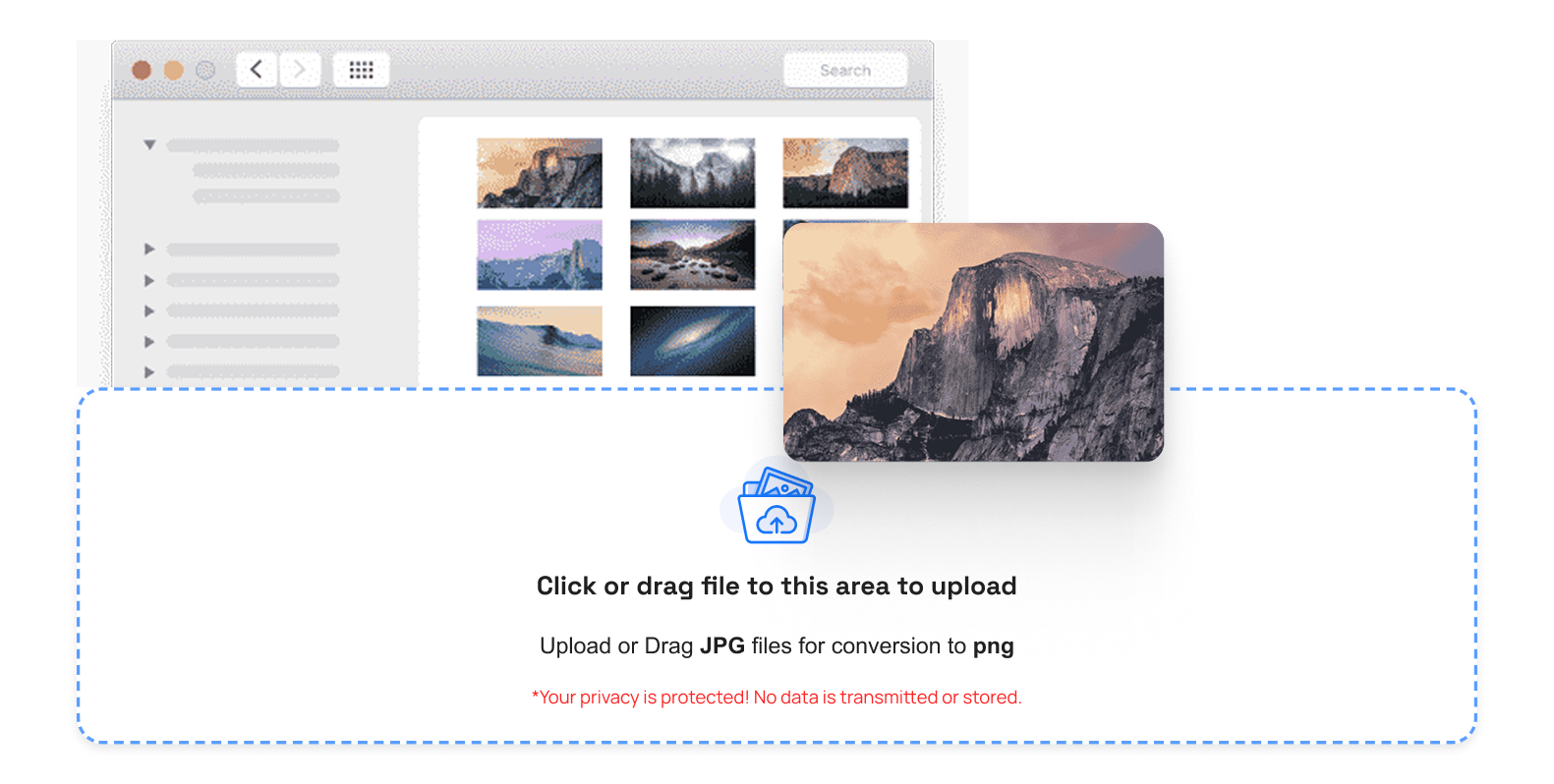
Step 2: Automatically compress PNG Image.
After uploading, the compression of PNG resumes itself. If you need to reduce the size of a PNG image to a specific size e.g to fit a webpage or form the image is compressed without any visual degradation.
This is to make the files small. Optimize your WebP images with TrimIMG to save storage and speed up your website. High-quality visuals stay sharp clear, and ready for web use.
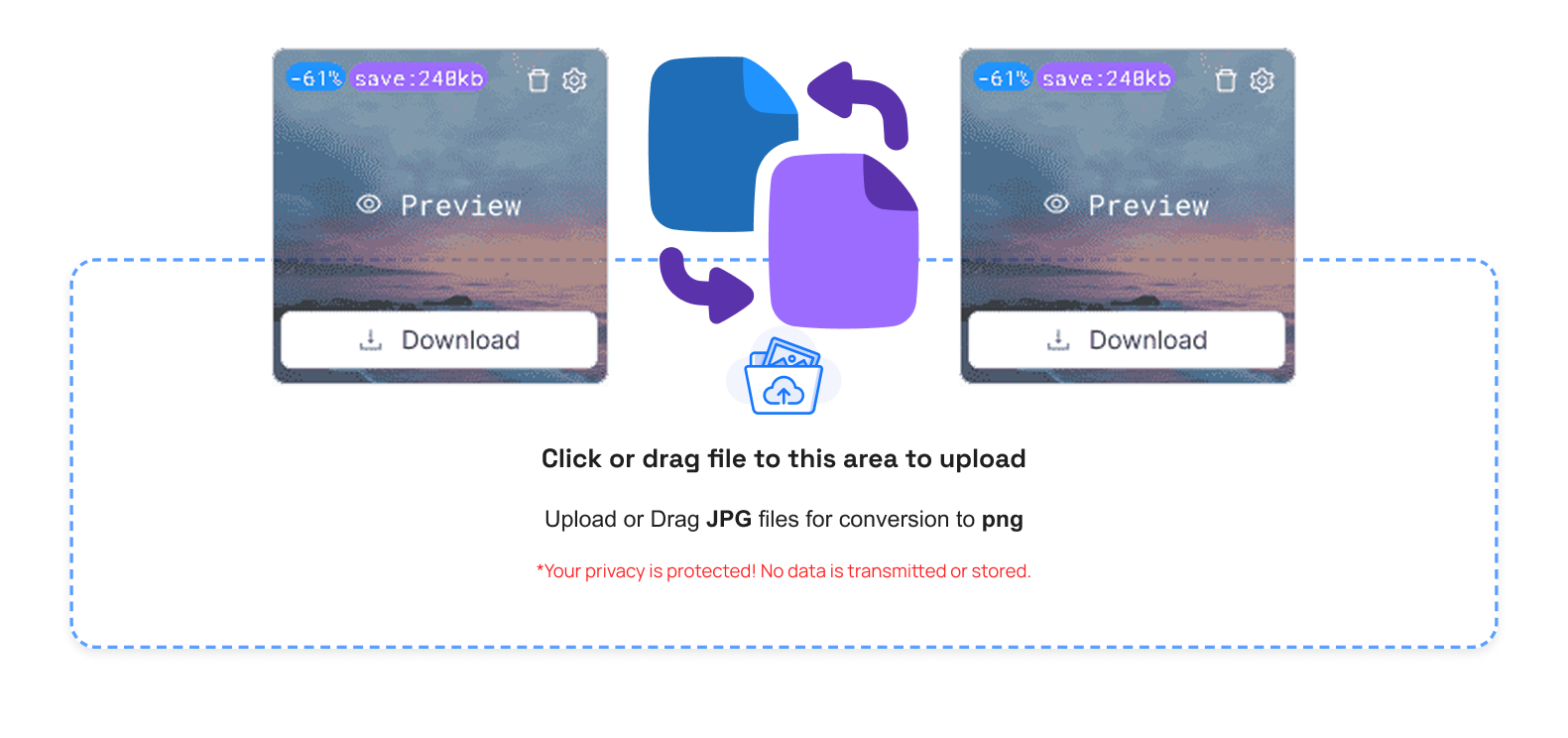
Step 3: Control Your PNG Images Easily
When it is compressed, there will be helpful options as follows:
- Trash Button: Delete the undesired PNG files.
- Compare Button: Firmed vs. chopped PNG.
- Size Info: Check the file size in the deprived file.
- Preview Button: See the final PNG image
- Download Button: Save the compressed PNG.
- Download All Button (ZIP): Store several PNGs simultaneously.
- Clear Queue Button: Delete all files uploaded immediately.
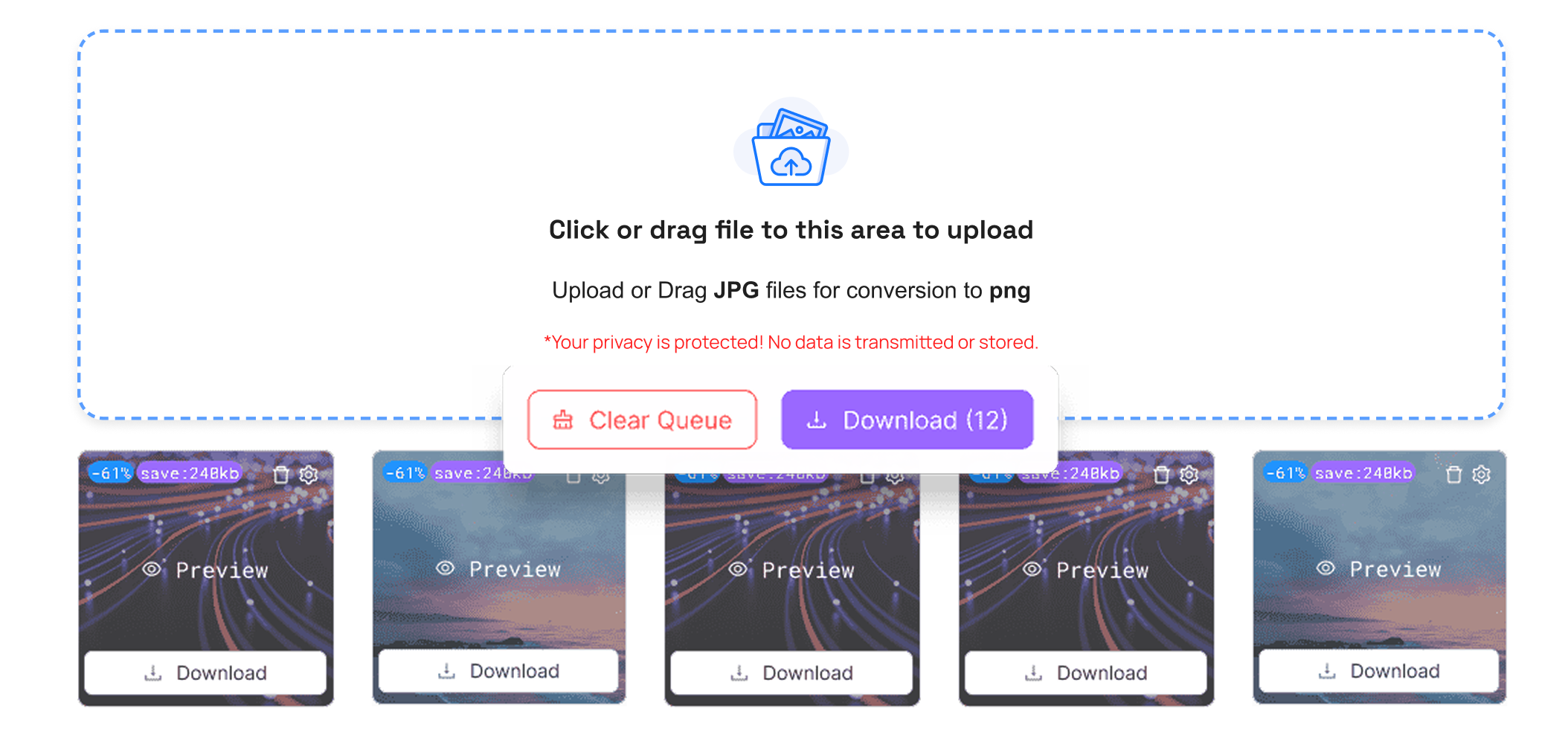
Step 4: Download PNG Image in One Click
Click download, and your image is already compressed as a PNG file ready to use. TrimIMG immediately prepares the file for use, and the process is fast and effortless, usable on mobile tablet and desktop.
Step 5: Share and Upload PNG Images Easily
Your image PNGs are optimized and are at your service. Post them on websites, e-mail them, post on social sites, or save them without worrying about large file sizes and slow downloads.
Benefits of compressing PNG images
- Lower image file loads : Smaller PNGs enhance speed and search engine performance.
- Conserve memory: PNG images have been made thinner.
- Simple sharing: PNG Compressed images are fast to transmit.
- Platform-friendly: File size capabilities are easy.
- None of the quality is lost: clarity and acuity remain.
Conclusion
A clever approach to compressing files includes the use of a PNG compressor so that the size does not go down with its quality. PNG Image compression optimizes website speed, does not strain storage, and is a more straightforward way to share images. This is a sure-win solution if you need to compress PNG images safely and quickly.
TrimIMG lets you HEIC-compress images online quickly and easily, reducing their file size without compromising quality. The tool preserves every detail color and clarity of your images making them perfect for websites email or social media.



