


JPEG Compressor: Fast and Easy JPEG Image Compressor
A JPEG compressor is used to reduce the size of large JPEG image files which can slow down websites and consume additional storage space. Sharing is also not easy via email or social sites due to large images. JPEG compression reduces image size without affecting visual quality making images ideal for websites emails social media and general use.
TrimIMG is a web-based application that provides a quick efficient JPEG compressor online. All you have to do is upload your image and it compresses in no time at all. The image is optimized and made available in seconds. No software installation or technical knowledge is required. All the processes run well within your browser.
Reduced JPEGs load more quickly and use less memory. Once compressed, images can be easily uploaded, and you can share them in a flashy email and keep working on your site without any hitches. TrimIMG provides a clean, reliable JPEG-to-JPG compressor and an online JPEG image compressor.
How to Use the TrimIMG JPEG Image Compressor
TrimIMG is meant to make JPEG image compression easy for everyone. The process of the JPEG compressor only consists of a few steps, and until the compressor has finished, the image remains clear, and the quality is quite professional.
Step 1: Upload Your JPEG Image
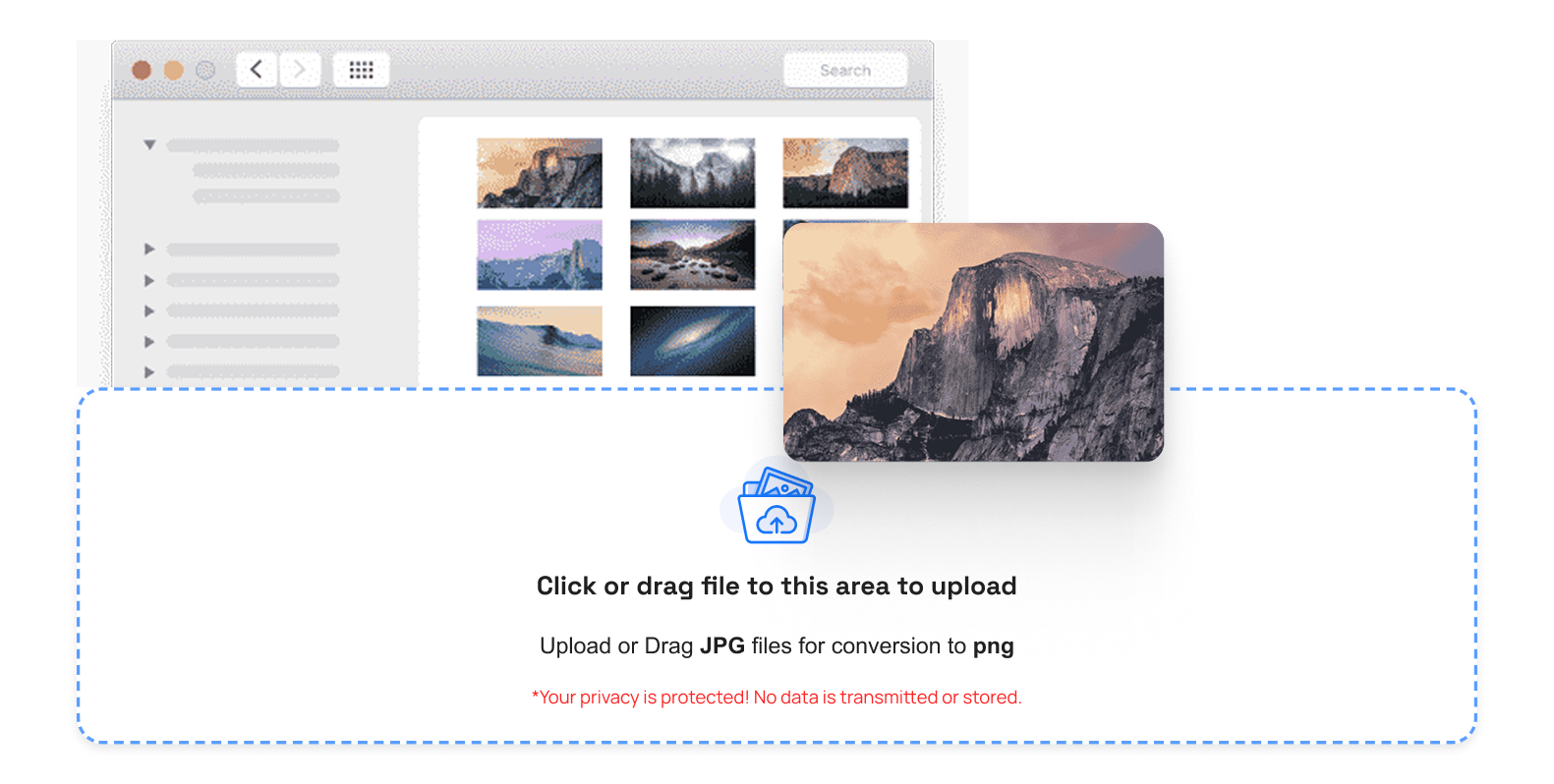
To start drag and select your JPEG image from your device to upload it to the TrimIMG JPEG file compressor. The application is flexible because uploads are supported in a variety of formats ( JPEG, JPG, PNG, WebP, GIF and HEIC ).
Step 2: JPEG Compression Autocommences
The JPEG compressor automatically begins processing your image once it is uploaded. You do not need to set any settings. The utility will minimize the sizes of files as well as maintain the quality of images to be used on the web and other forms of sharing.
Step 3: Check How Your Image Looks After Compression
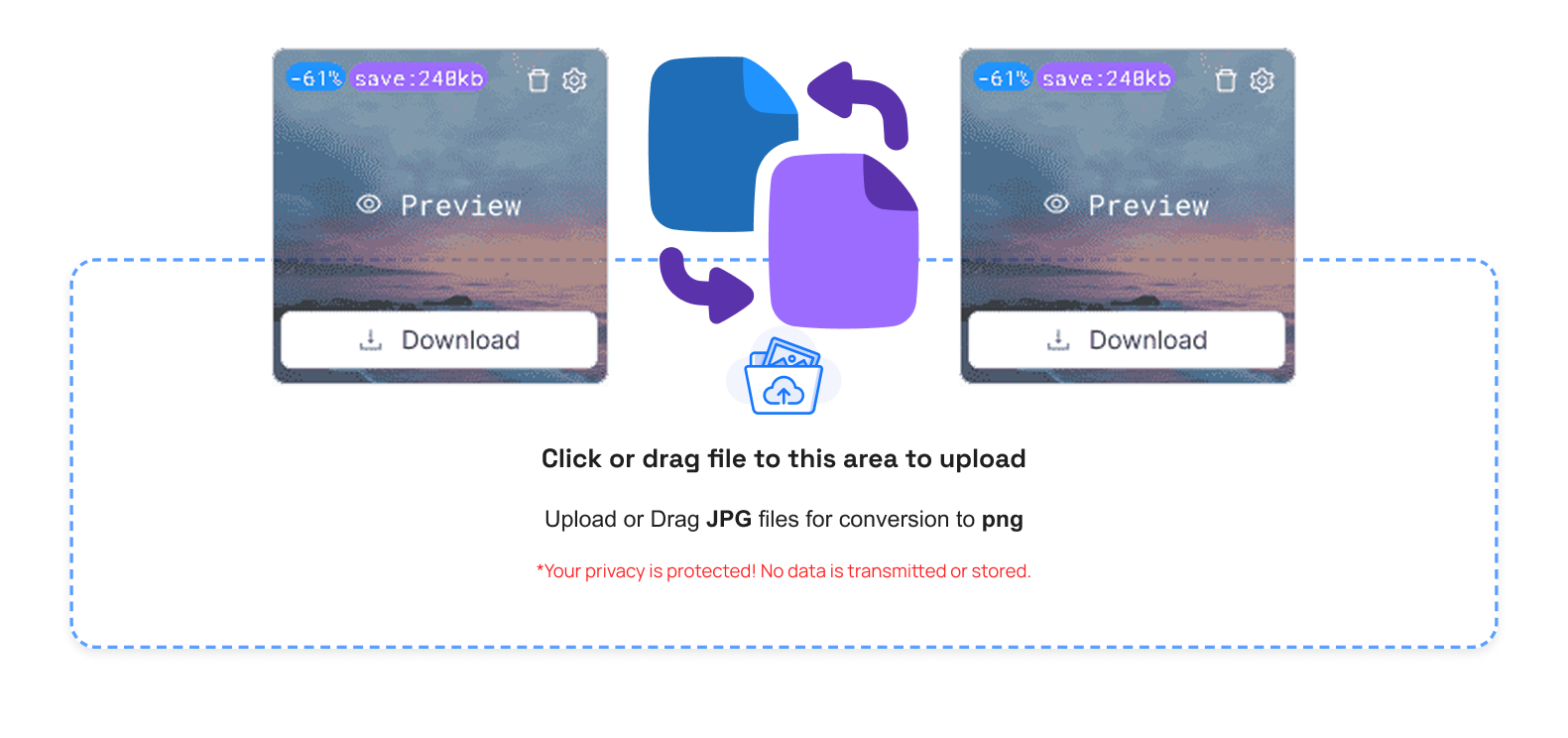
Once your image has been compressed, you can review and manage it easily:
- Preview of the compressed JPEG: View of the compressed image
- Check file size:: Check the downsized size of the file.
- Comparison of original and compressed: Compare the original and compressed pictures to observe the difference in quality and size of improvements.
- Plan ahead: Choose to download: It is preferable to save an image that is compressed upon finding it fits your requirements.
Step 4: Save the Modified JPEG Image
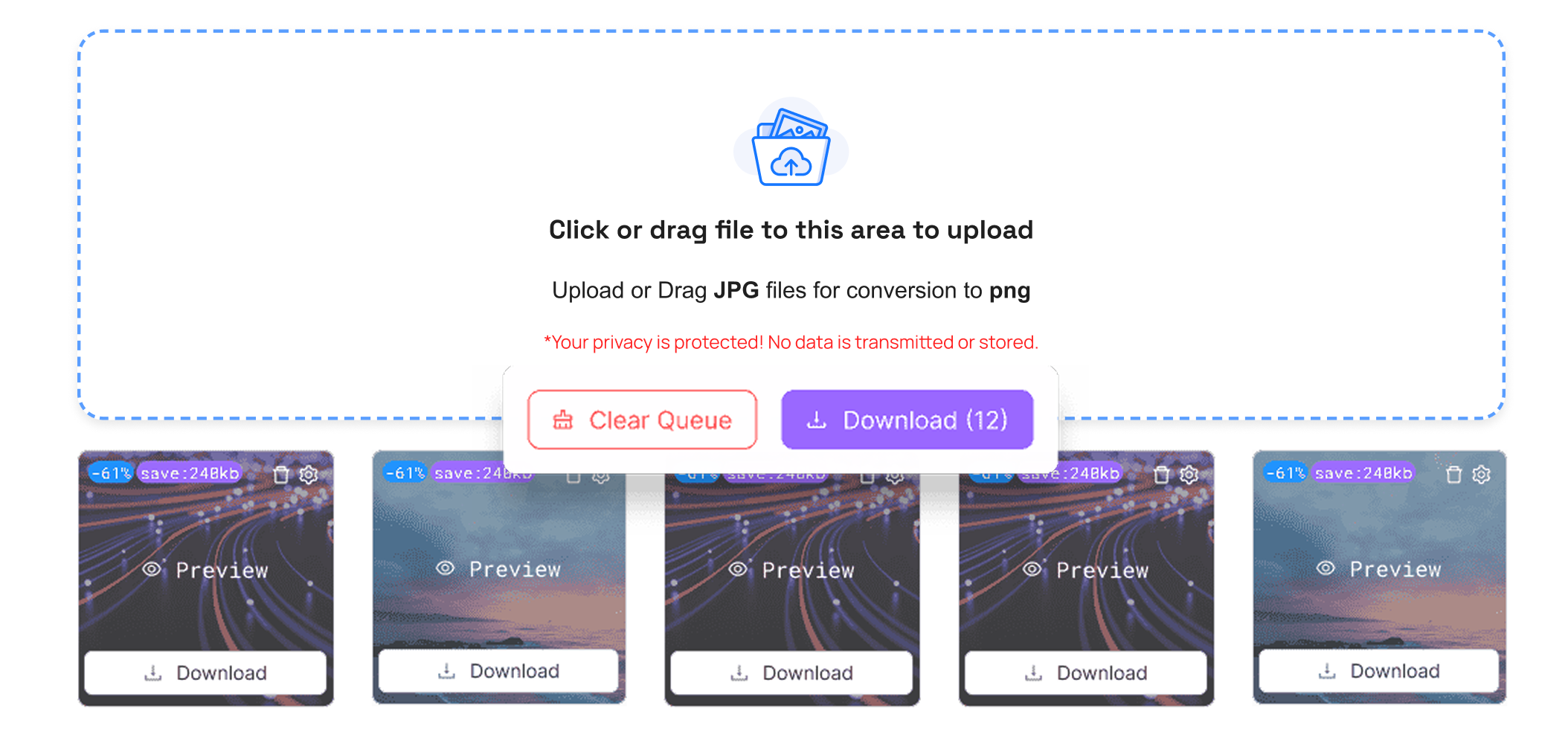
You can download your compressed JPEG image immediately by clicking the download button. TrimIMG will be compatible with all mobile phones tablets laptops and desktop computers without restrictions.
Step 5: Use Your JPEG Image Anywhere
You have a fancy JPEG image that is ready to use. Post it on the sites attach it to an email post on the social sites or save it without worrying about gigantic files.
Benefits of the JPEG Image Compression
- Reduced loading time: JPEG images are smaller which enhances the fast loading of the websites and visitor experience
- Reduced storage: Reduced storage on the server and devices as far as compressed images are concerned
- Sharing is easier: images are now smaller, making sharing easier
- Online-resistant format: JPEG is compatible with all browsers and devices. Image quality maintained: Colors sharpness and details are visually intact.
- None of the images disappeared: image quality, color, and details are not the same as before compression.
Conclusion
A good method of shrinking an image file size without its quality being compromised is by using a JPEG compressor. The internet has a good JPEG image compressor which improves site speed conserves storage space and makes it easier to share images. Compressing JPEGs or converting JPEG to JPG, TrimIMG provides free secure, high-speed tools with no hidden expenses.



