


What is an SVG compressor?
Big SVG files may slow down websites and occupy a lot of storage space. They are also difficult to post or share. This assists in compressing these file sizes whilst maintaining quality. This simplifies the use of SVG compressor free images in websites, icons, logos, and user interface graphics.
It is very easy to utilize a free tool on the internet. Upload your SVG file. Let the tool compress it. Install the optimized variant. No software needed. None of the technical skills is required. Much is provided directly in your browser.
SVG files are considered more efficient and faster to load on the Internet. They also store and share easily. TrimIMG can compress any SVG file compressor you need whether it is an icon compressor or an SVG image compressor online for web projects. The instrument is secure, rapid, and completely free. It is simple to compress images using TrimIMG. Use the JPEG or the PNG compressor. Drag and drop your files, and let the software optimize them and download without any knowledge of software or technical expertise.
How to Use the TrimIMG SVG image Compressor
TrimIMG SVG image compressor is designed so that anyone can quickly optimize SVGs. The file size can be reduced in seconds, and shapes can remain clean while code is optimized.
Step 1: Upload SVG File
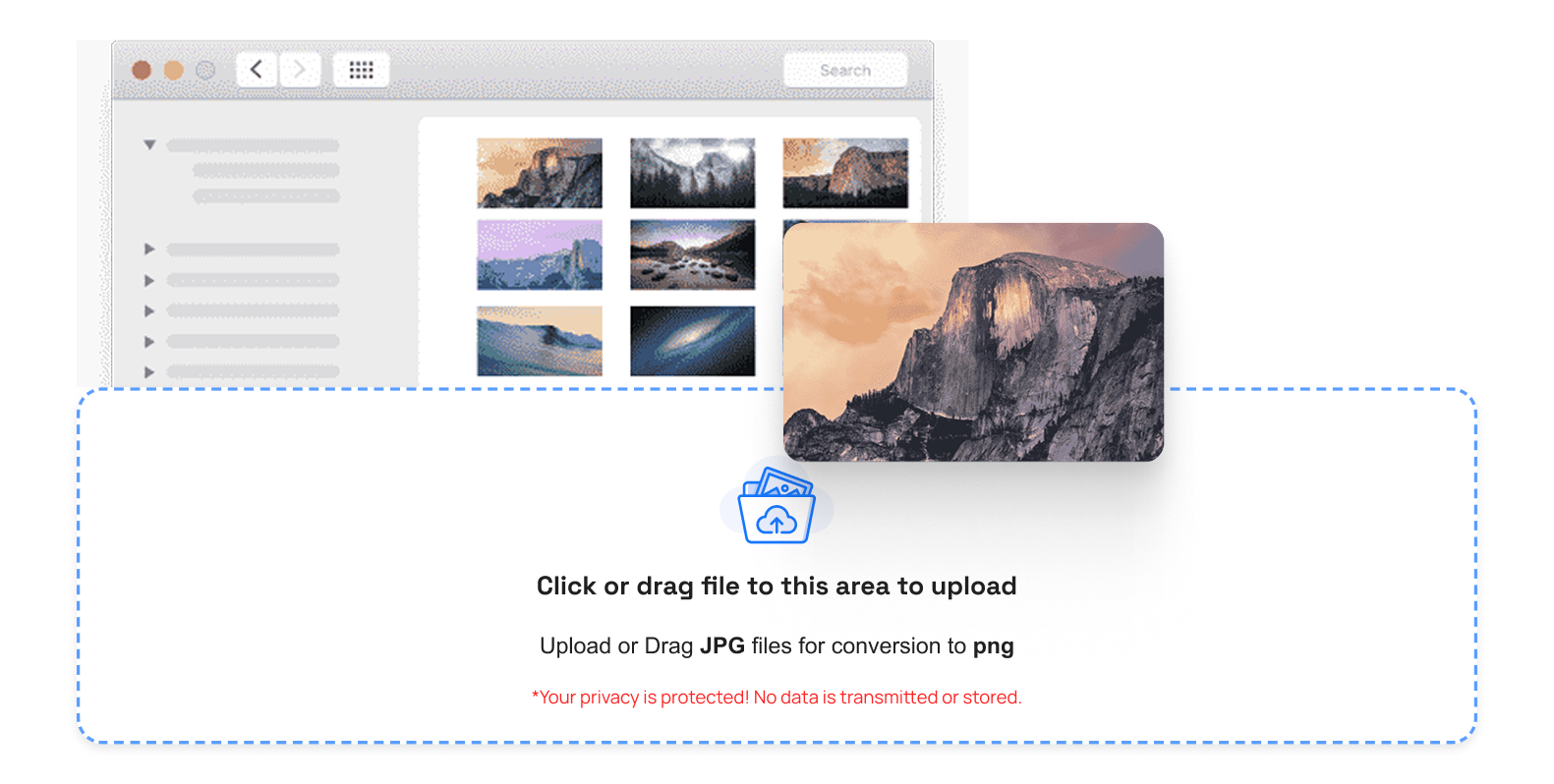
Watch your SVG on top or tap the upload button. TrimIMG supports SVG, so you can upload any icons, logos, and vector graphics without problems.
Step 2: Automatic Refinement of the SVG.
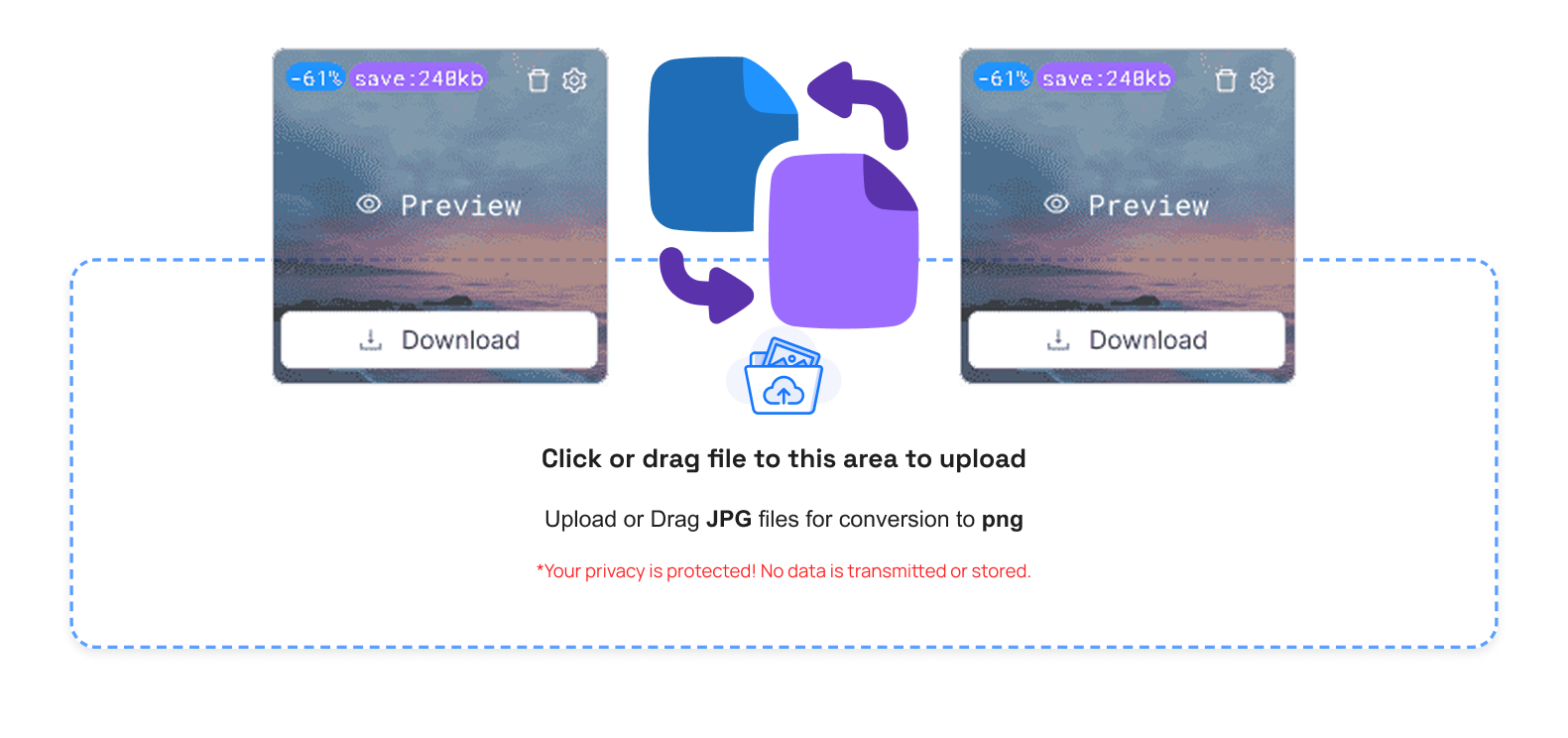
Once the SVG image compressor has uploaded, optimization is automatically initiated. It eliminates extraneous code and minimizes file size without modifying the SVG's structure. It is ideal with speedy websites and minimal designs.
Step 3: Control Your Packaged SVG Architectures
The options are easily used after compression:
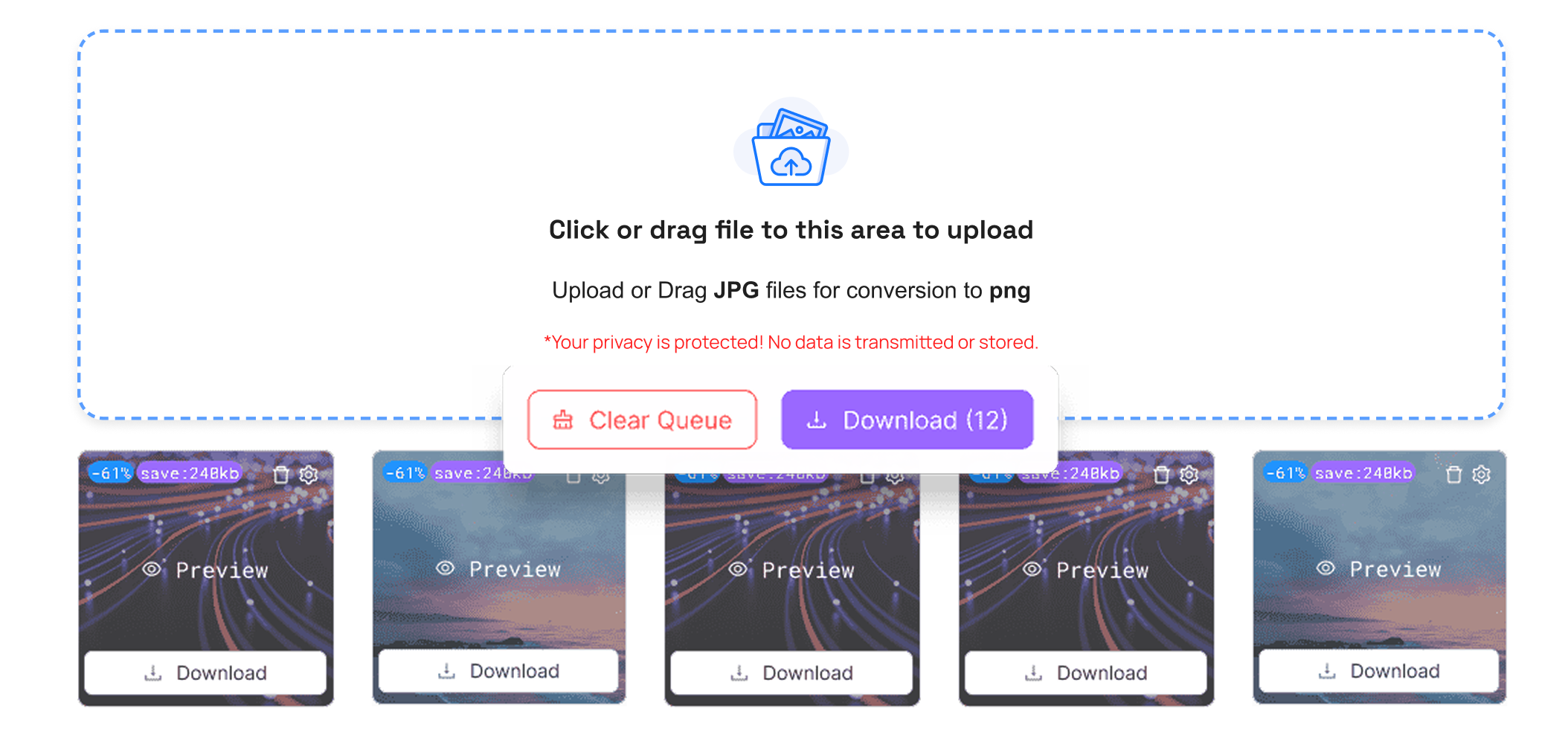
- The delete button deletes unwanted SVG files
- Compare the button to comparing the original and compressed SVG.
- File size to examine file size reduction
- Preview to see the final SVG output
- Button Save compressed SVG
- Export all the SVG files into a zip file
- Clear Queue: Delete all uploaded files immediately
Step 4: Download Optimized SVG Images
To save your optimized SVG file, click download, and it will be saved immediately. The SVG compression tool is compatible with both mobile and tablet computers.
Step 5: Use SVG Files Anywhere
Your maximized SVG pictures are prepared. Place them on mobile sites, emails, or networks. Smaller SVGs imply they load and even work more quickly.
Why You Need an SVG Image Compressor
Modern web design requires the use of SVG compression. The size of SVG may be a deadweight drag on the loading time and user experience.
Benefits of SVG Image Compressor
- It can load its web pages more quickly using lighter SVG representations
- Decreased storage on the devices and servers
- Less complicated sharing via e-mail and messaging
- Enhanced compatibility with platforms of a smaller file size
- Granted optimized SVG code with lossless quality
A stable SVG image compressor online helps maintain both high performance and design quality.
Conclusion
A clever way to reduce the size of vector-based images is to use a free SVG image compressor without sacrificing image quality. A high-quality SVG file compressor reduces storage and makes SVG images more manageable improving website speed. TrimIMG is a fast secure and straightforward SVG image compressor online that is compatible with any device. Make your SVG files smoother anytime anywhere.
PNG image compressor can be compressed online and easily reduced in size without losing quality. The tool minimizes file size while keeping images clear and sharp.



