


Image Compressor: Reduce your images effortlessly
The big image files may slow down websites, consume a lot of memory, and be challenging to share. Image compressor will assist you in reducing the size of images with no quality loss. This renders their use in blogs, social media, or work projects easier.
It is very easy to use an image compressor online for free. All you do is upload your picture, compress it, and download the reduced version. It neither involves any special software nor even skills, and can be done in a very short period.
Compressions are smaller images, which occupy less space on the internet shop offerings and allow websites to load more quickly. You could post the pictures online, email them, or even use them on your site, with the help of an online image compressor, your photos are deleted and are easily comprehensible. Either you need a PNG image compressor or are looking for a JPG compressor, TrimIMG serves you in all cases, and exceptionally, these tools are totally free of cost.
How to use the TrimIMG Image Compressor
TrimIMG Image Compressor is aimed at ensuring that the compression of images is fast and easy for everyone. You can also just downsize pictures with a few clicks and, at the same time, still retain the image quality in clarity/sharpness.
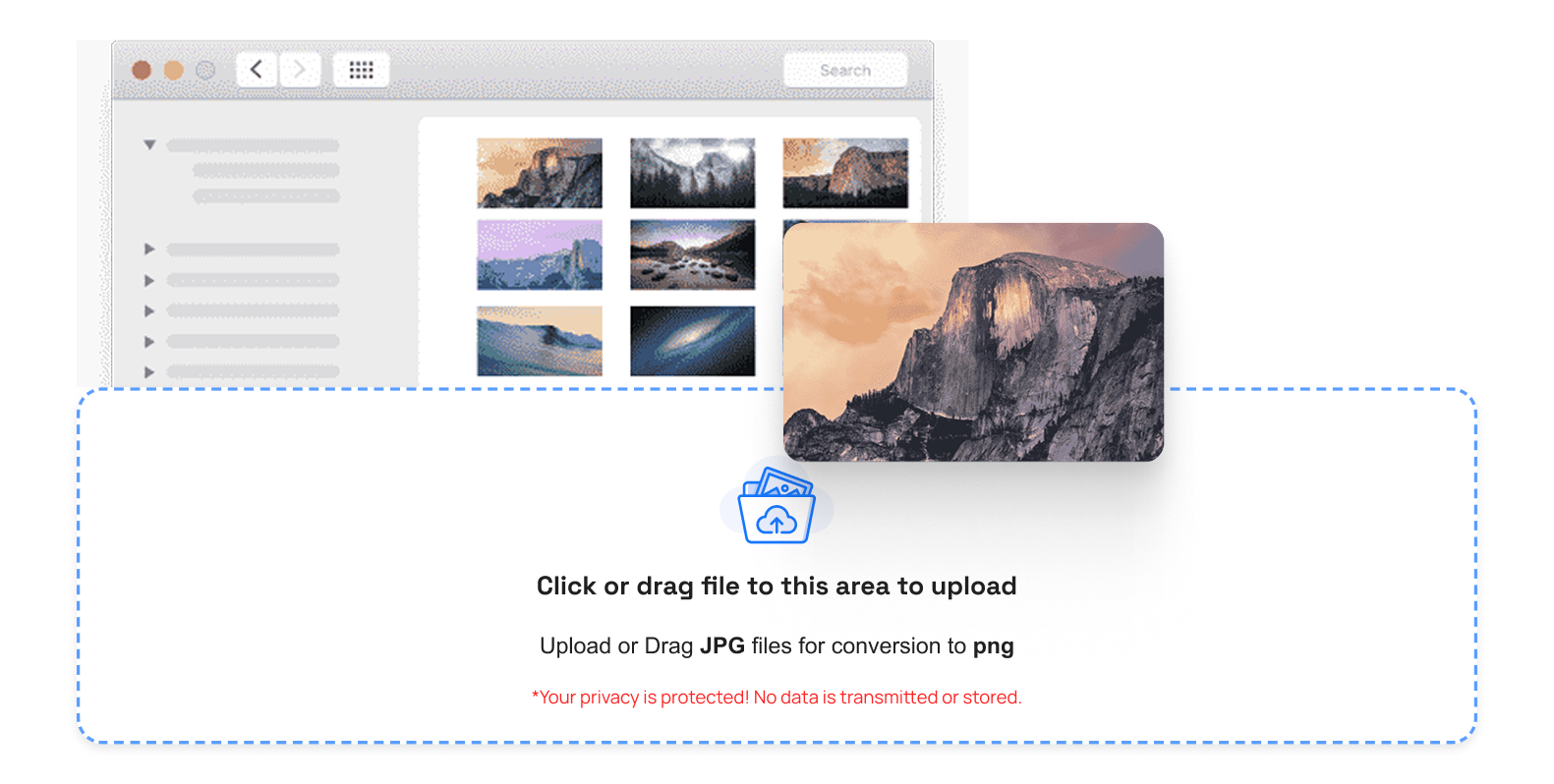
Step 1: Image Uploading or drag and drop
Drag and drop or click the upload button and drop the picture within the compression space. TrimIMG accepts various types of images, and thus, there is no problem uploading JPG, PNG, WebP, GIF, HEIC, among others.
Step 2: Auto image compression
After uploading your image, TrimIMG will automatically process and compress it. When you have to shrink images to a desired size, such as 200 KB as required on websites, forms, or emails, then the tool manages to reduce the size of files but retains their visual quality.
If you want faster-loading websites with modern formats, check out this tool, WebP compression
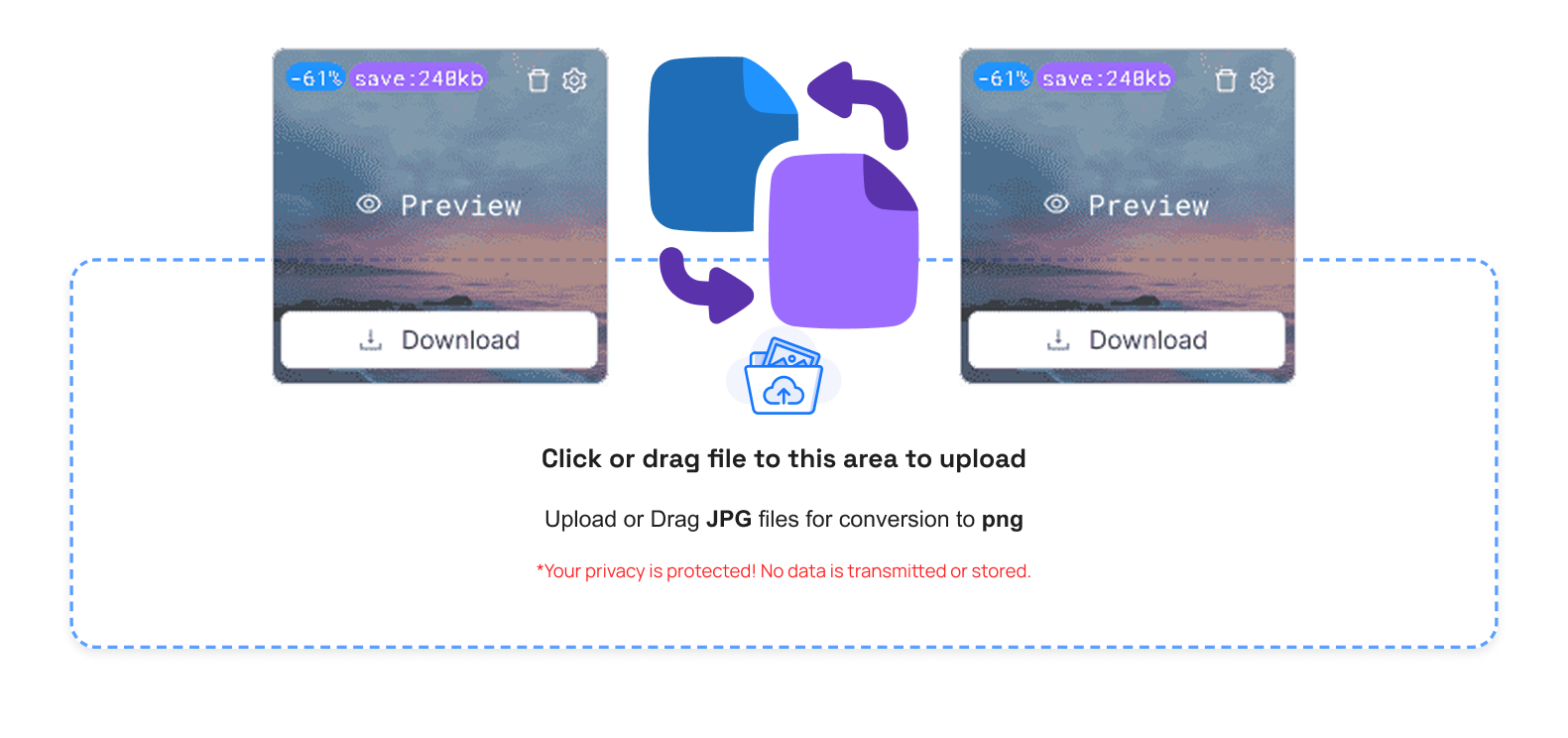
Step 3: Manage Your Compressed Images Easily
- Trash Button: Delete any image that is not necessary.
- Compare Button: Compare original and compressed images.
- Size Option: Review the size at which the image has been downsized.
- Preview Button: View the compressed image lastly.
- Download Button: Download a file, which is a compressed image.
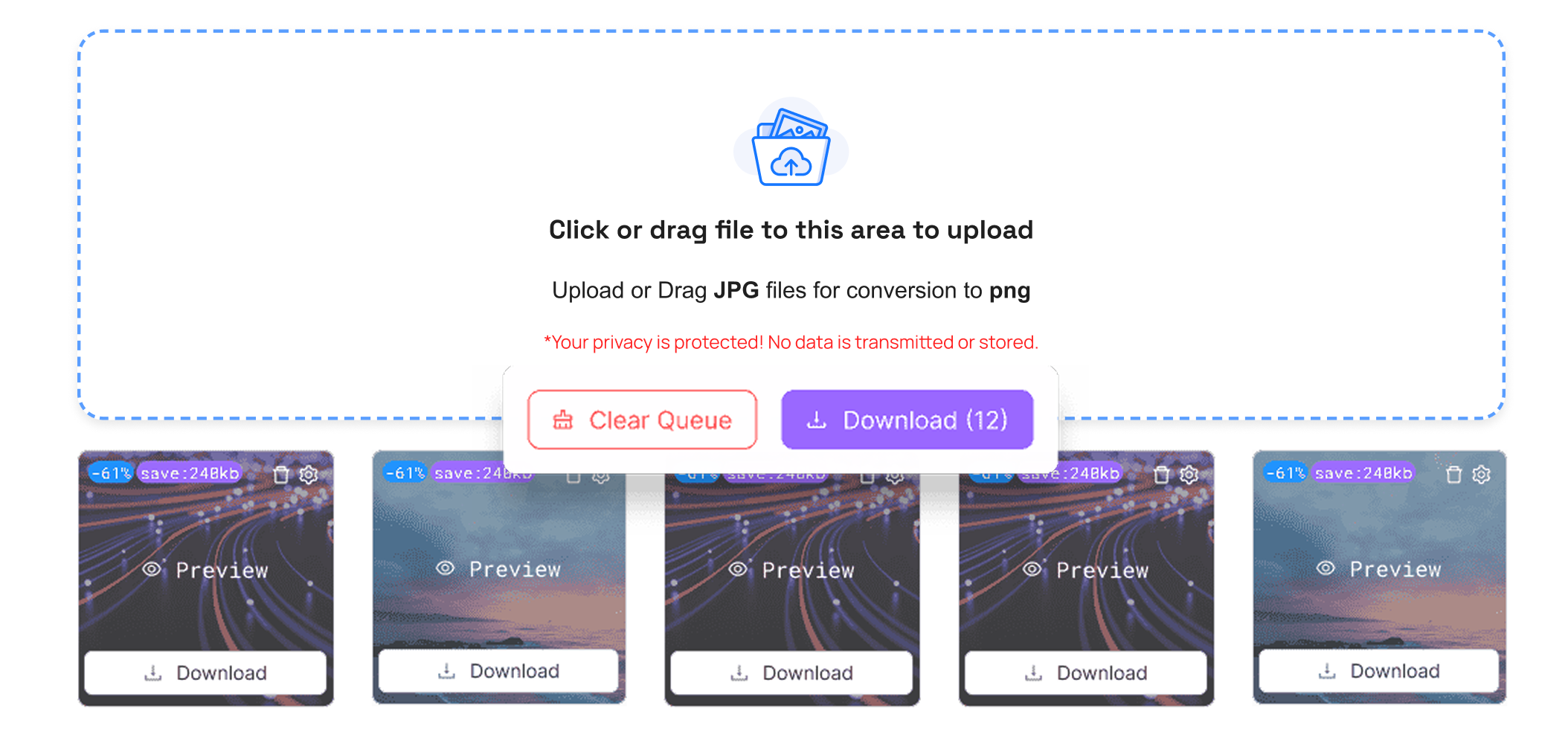
- Download All Button (ZIP): Save multiple pictures of images as a ZIP file.
- Clear Queue Button: Delete all the uploaded pictures immediately.
Why You Need an Image Compressor
Image compression is an inescapable aspect of modern technology. Big images will increase the load time of the sites, use unnecessary storage area, and complicate file transfer.
Advantages:- Fast loading of web pages: Small pictures ensure that the web page loads more quickly, thus improving the user experience as well as search engines.
- Ultimate Storage: Smaller-sized images require less memory in the devices and on the cloud.
- Less Tedious Sharing: Visual images sent through email or messaging software are easier to share after they are optimized.
- Mobilities with platforms: The courtesy of many platforms that restrict file size.
- Reduce Voice Formats: Complex compressors compress files without any loss of texture.
Conclusion
It is a clever method of reducing the size, speed, and utility of your images without damaging the quality of those files. An image compressor online, free, or an image size compressor online. saves storage, enhances the speed of a site, and provides an easy method of sharing.
If you want lighter PNG images without losing quality, you can compress PNG images online for fast and easy optimization.



