


What Is a GIF Compressor?
GIF compressor is one of the tools that allows reducing the size of GIF image files within animations. It is also the one that cuts out the redundant information, keeps the animations intact, and leaves them smooth and comprehensible on the web pages.
A compressor GIF tool can also improve a website's performance. Smaller, faster-loading GIF files are available. That is why most creators use the best GIF compressor online.
TrimIMG is an efficient online GIF compressor or an ICO image compressor that allows any user, regardless of their technical expertise, to use it without installing any programs.
How to Use a GIF Image Compressor
The TrimIMG GIF image compressor is easily usable online. The process is simple and requires only a few steps.
Step 1: Upload Your GIF File
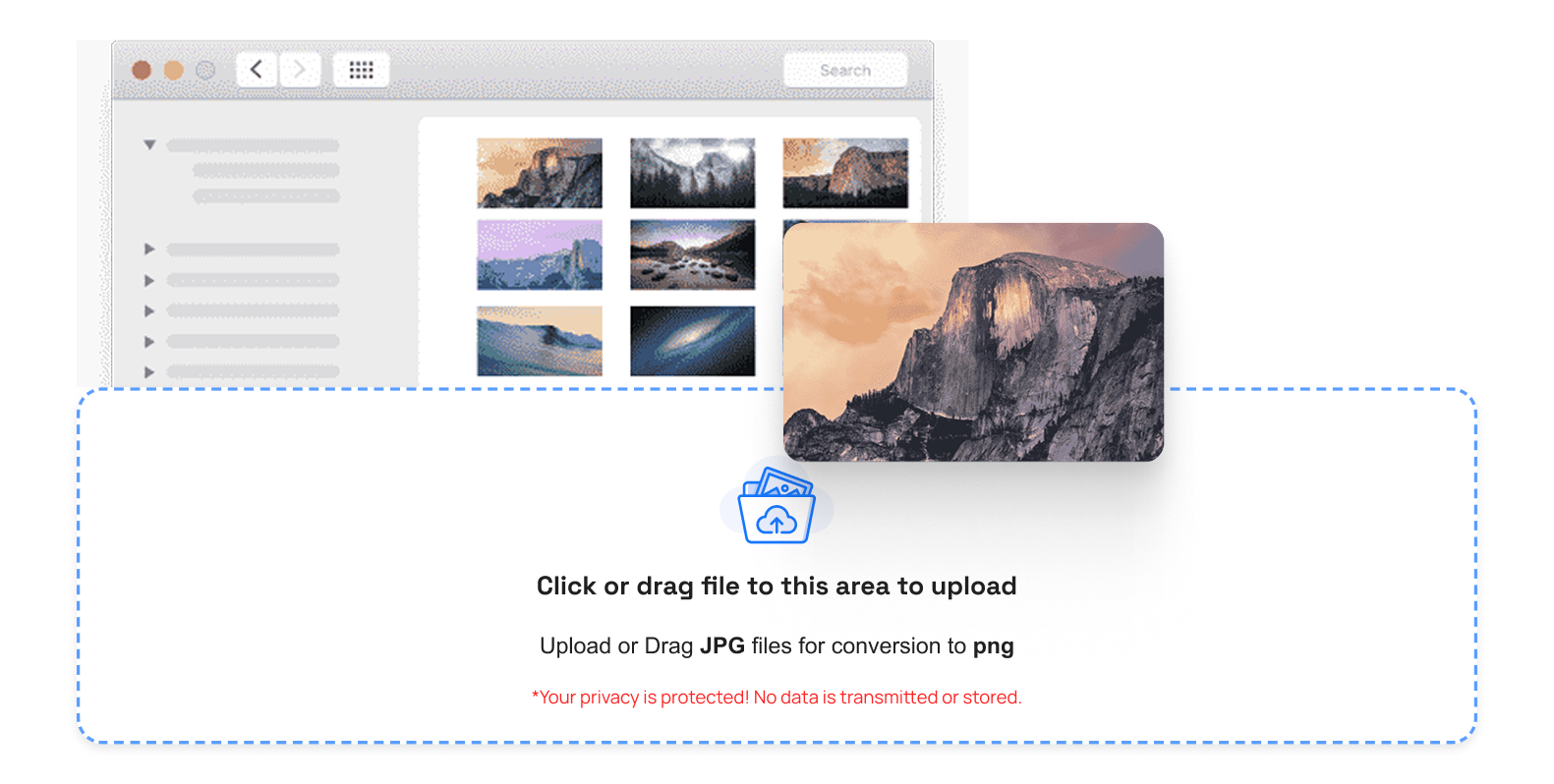
Choose a graphic image on your phone. Insert it into the plug of the TrimIMG utility. The upload process is fast and works directly in your browser. You can easily upload GIFs from both mobile and desktop devices.
Step 2: Start Compression
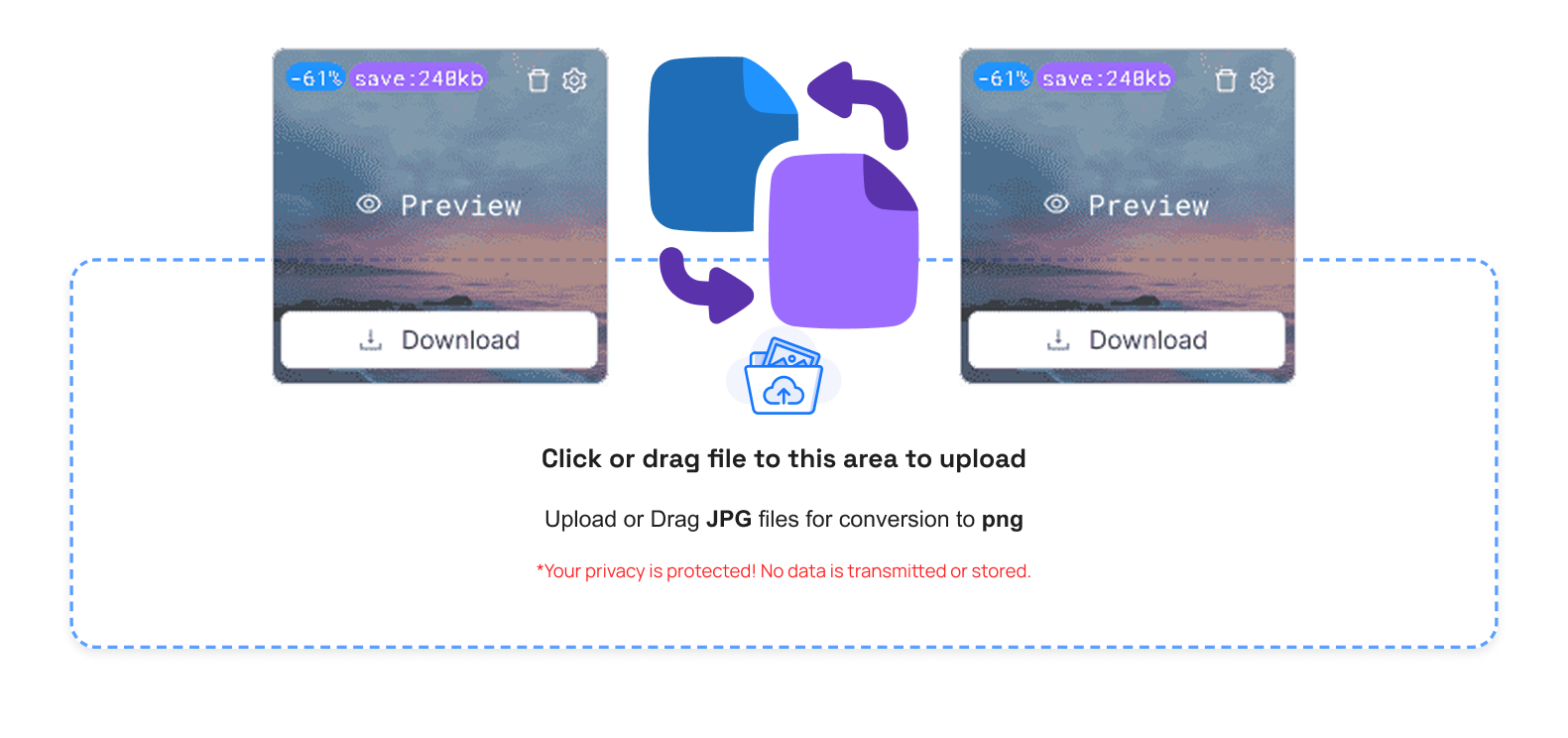
The aggressive GIF image compressor is set to optimize by default. There are no manual settings necessary. Once the file is uploaded, compression starts automatically. This saves time and ensures the best size reduction without affecting visual quality.
Step 3: Handle Your File Size Easily
The options are easily used after compression:
- Compress GIF: Downsize your GIF without losing smoothness or quality.
- Ensure Fluid Motion: Have your GIFs smooth yet reduce the file size.
- Optimize to be Fast: Improve website loading and make sharing easier.
Button Guide:
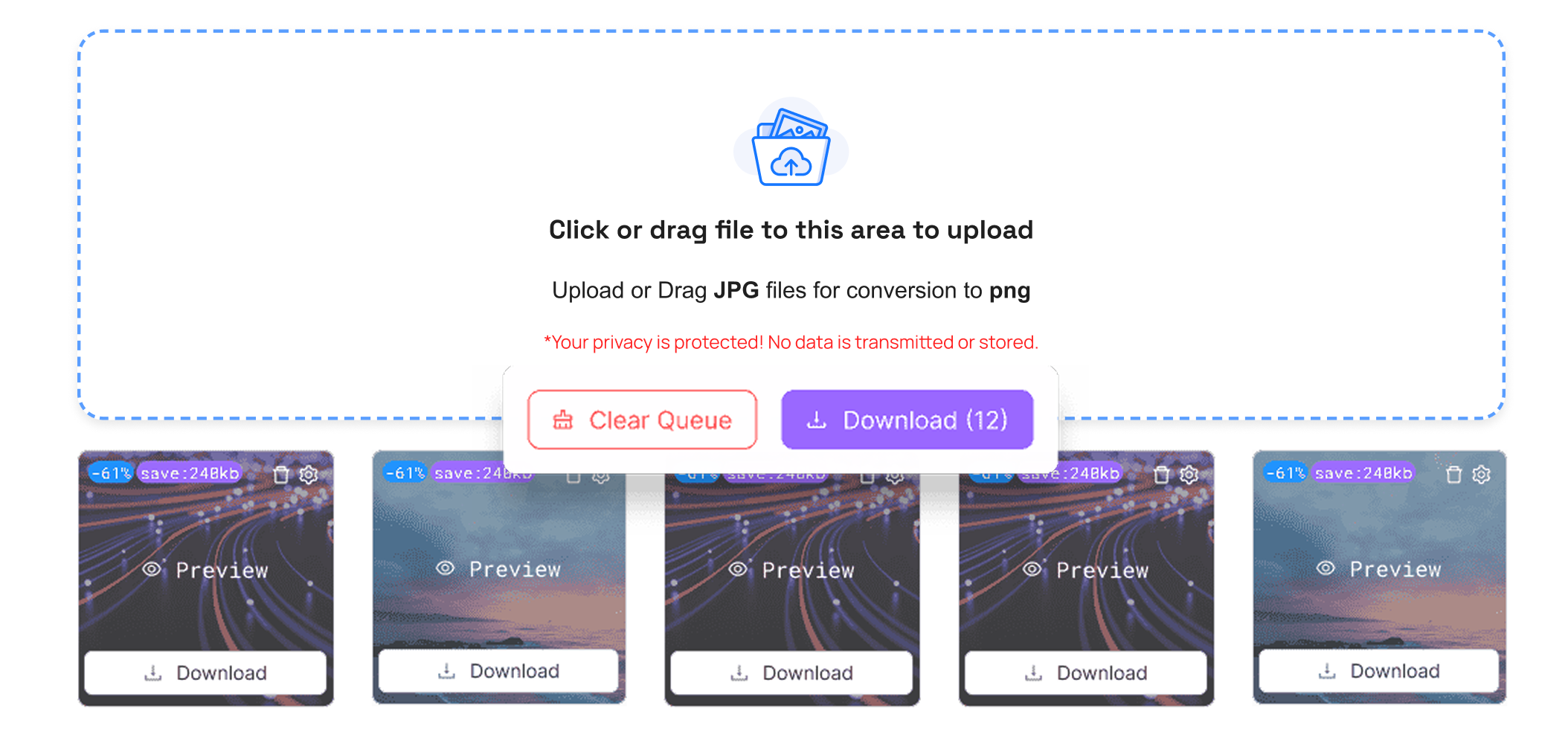
- Compress Button: This is the start button to compress your GIF.
- Manage Button: Click this trash icon, and it will sort or erase the unwanted GIFs.
- Preview Button: You also see a preview button opposite to which you can use to preview your GIF so as to ensure that the quality of the animation is not lacking.
Step 4: Save the Compressed GIF
When the compression is complete, download your optimized GIF. The file is immediately ready to use.TrimIMG also offers JPEG and PNG image compressor and a BMP image compressor to optimize the whole image.
Step 5: Use or Share Anywhere
Share the GIF on blogs, social media, or sites. Smaller files will load faster everywhere. Compressed GIFs are easier to upload and send without delays. They also help improve page speed and user experience across all platforms.
Why You Need a GIF Image Compressor
Big GIFs are slow websites and applications.GIFs also require a long time to upload and share on the internet. A GIF image compressor is an easy way out of these issues.
An online GIF image compressor saves on storage and bandwidth. It also enhances user experience and page speed. This is imperative to both modern websites and digital content.
Advantages of the TrimIMG GIF image Compressor
- Faster Loading Speed: The smaller GIFs improve website performance and reduce loading time.
- High Quality Compression: Under compression, animations do not become jaggy.
- Free and Online Tool: Edit Boldest Best GIF image Compressor is a free online tool.
- Easy for Everyone: Compression is user-friendly due to a simple interface.
Conclusion
A radical GIF image compressor will be needed to deliver faster sites and expedited trading.TrimIMG is a safe, powerful online GIF image compressor that's easy to use. You can compress GIFs without losing animation quality. Image optimization is fast and stress-free with TrimIMG.



