


WebP Compressor – Optimize Images Without Quality Loss
Large WebP images may slow down websites, use more storage space and be difficult to upload or share. A WebP compressor helps reduce WebP file size without losing image quality. This makes WebP images easier to use for websites blogs social media, and online projects.
It is easy to use a WebP image compressor, which is also quick. Post your picture then wait and then download the optimized file. No software installation no technical skills. All is instant through your browser.
Another helpful option from TrimIMG is its advanced image compressor that reduces JPEG files into the lightweight WebP format. WebP images are smaller in size and load much faster automatically improving website performance. This makes the tool ideal for blogs, eCommerce websites, portfolios and social media platforms where speed and quality both matter.
How to Use the TrimIMG WebP Image Compressor
TrimIMG compresses images easily and produces clean results. Images can be converted by anybody within seconds.
Step 1: Upload Your Image
Click upload or drag and drop your file into the tool. Supported formats include JPG PNG JPEG WebP HEIC, GIF and much more.
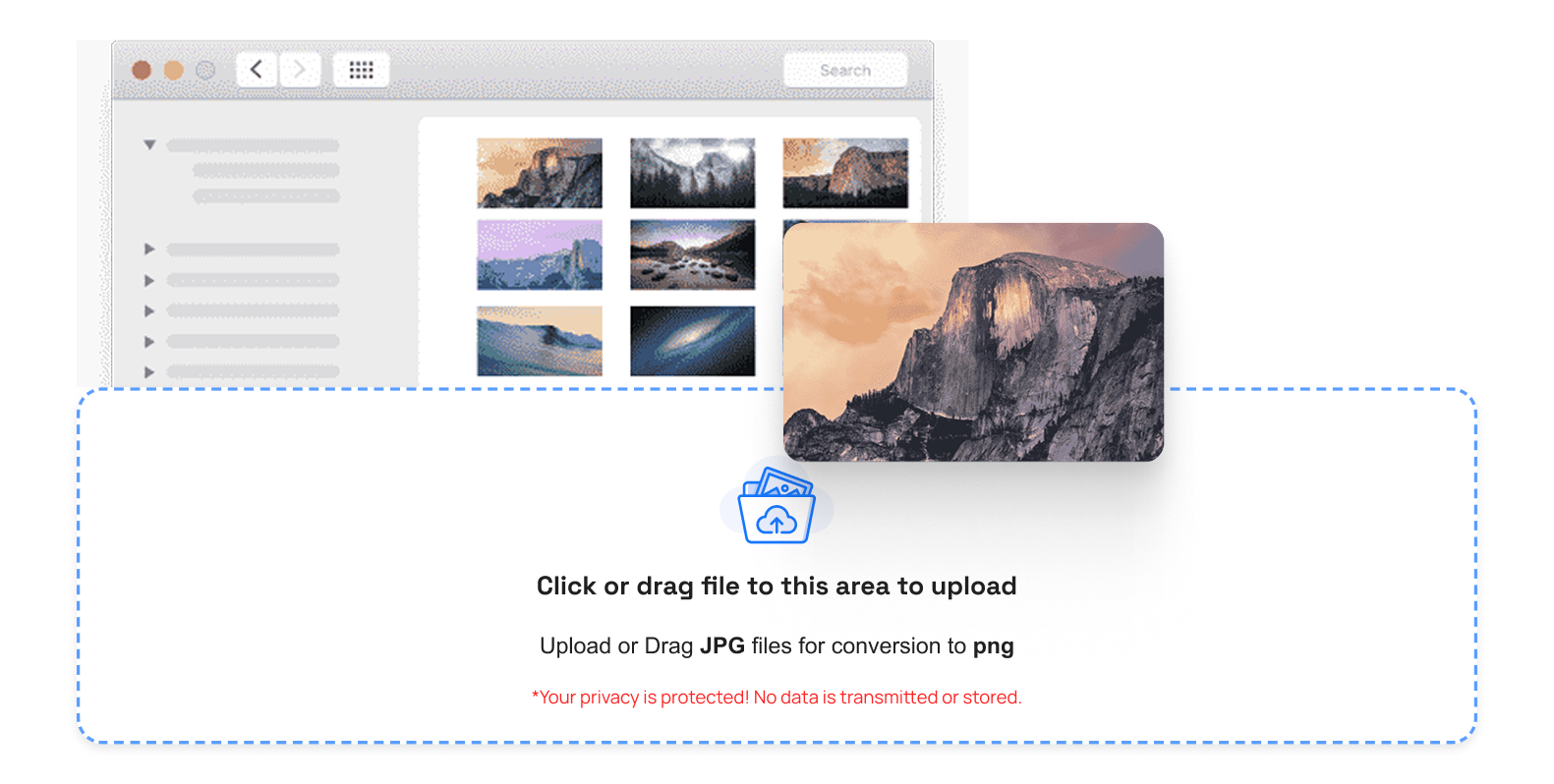
Step 2: Fast WebP Image Compression.
After putting it on the screen the tool begins compressing immediately. This is because you can convert JPG to WebP compressor and JPEG to WebP image compressor with no degradation in quality.
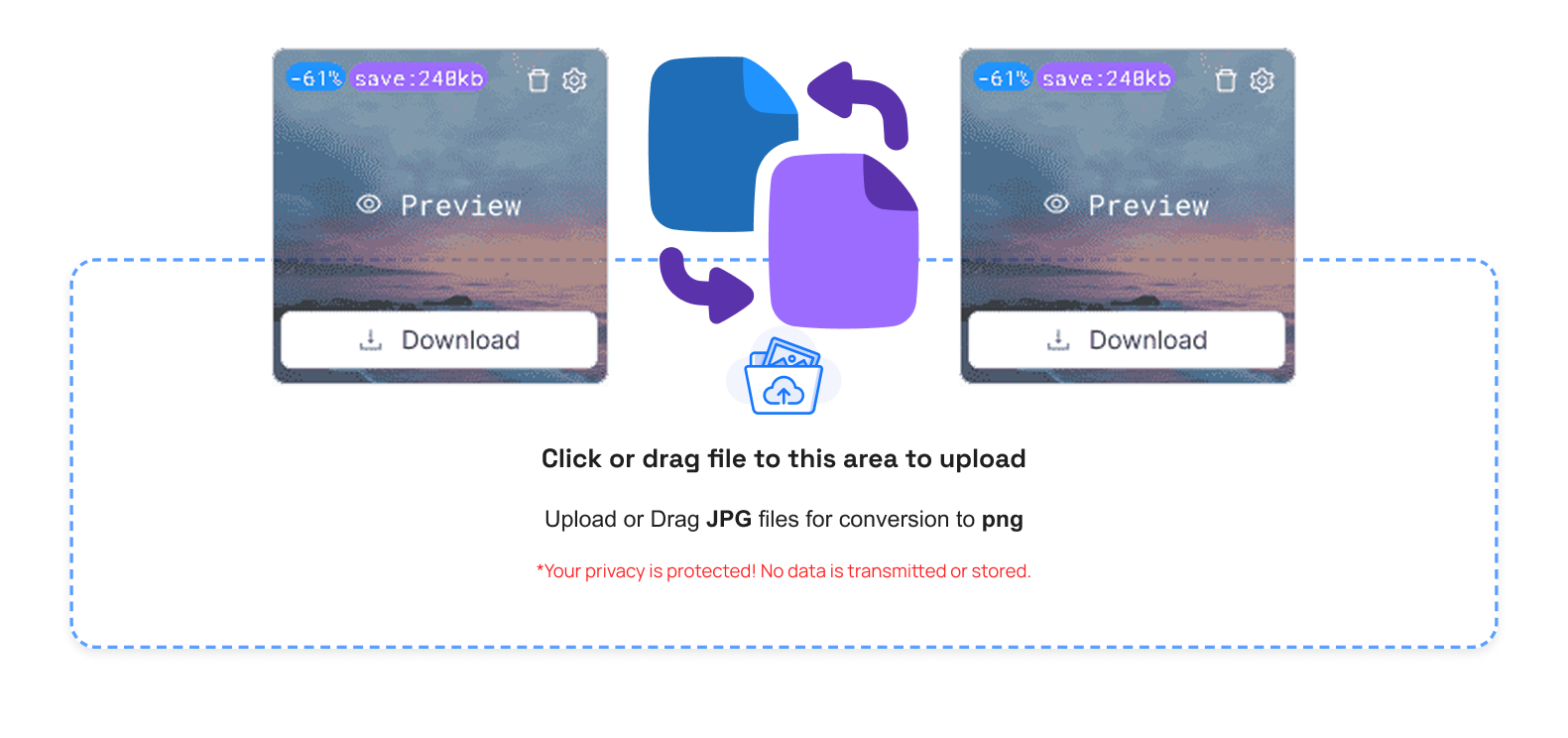
Step 3: Control Your WebP Images Easily
When it is compressed, there will be helpful options as follows:
- Trash Button: Delete the undesired WebP files
- Compare Button: Firmed vs. chopped WebP
- Size Info: Check the file size in the deprived file
- Preview Button: See the final WebP image
- Download Button: Save the compressed WebP
- Download All Button (ZIP): Store several WebP simultaneously
- Clear Queue Button: Delete all files uploaded immediately
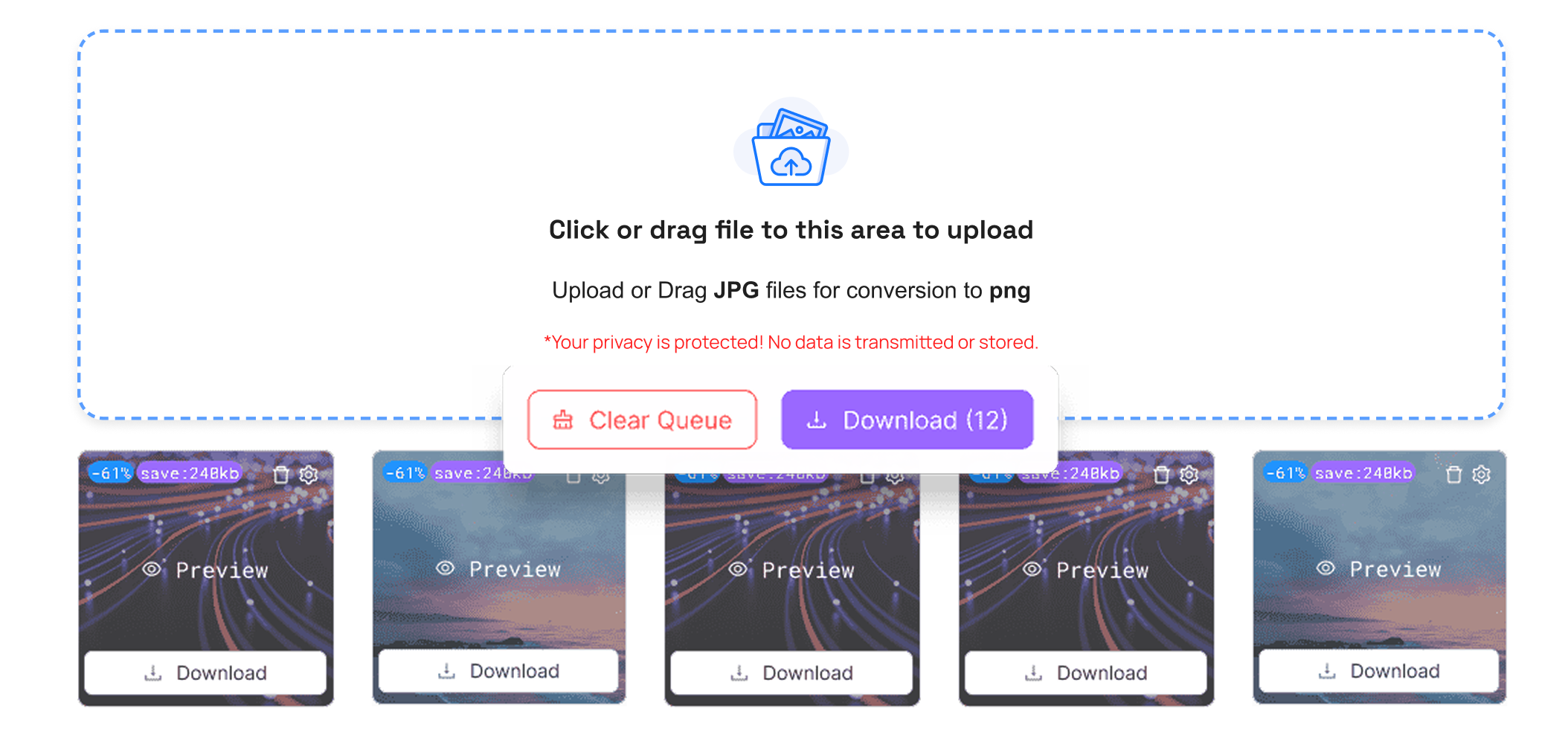
Step 4: Optimized WebP Image is downloaded.
Click Download to save your compressed file. It can be used effectively on desktops and mobile tablets.
Step 5: Use Images Anywhere
Embed your WebP pictures on websites, email services cloud storage without causing slow load.
Key Benefits of WebP Image Compressor
- WebP images help websites load faster with smaller high-quality files
- Minimized device server usage of storage
- Increased SEO efficiency through increased speed
- Simple exchange by mail utilizing communication applications
- Ideally, fits major developers designers content creators
The image compressor WebP helps optimize workflow and does not seem unattractive.
Conclusion
The modern image optimization requires a WebP image Compressor. It eliminates file space saves on speed and space and does not ruin image quality.
TrimIMG helps you optimize images easily by converting JPEG to the lightweight WebP format. It also supports GIF BMP and ICO optimization ensuring faster loading and better performance across all platforms.



