


What is ICO compressor?
Big ICO files can slow down sites, consume unnecessary space, and be hard to share. The online ICO compressor is a utility that lets you reduce the size of ICO files without losing clarity or sharpness. This simplifies the use of icons in websites, applications, software, and other digital projects.
An online ICOR file compressor is very easy to use and free. One only has to upload their ICO file compressor and download the smaller one. It requires no special software or technical expertise, and it takes only a short time to complete.
The ICO files are smaller in size, load at a faster rate, and enhance the performance of the websites and applications. You can easily upload icons online, email them, or use them in software projects. Whether you need a Free ICO Compressor, an SVG Compressor, or a PNG Compressor, TrimIMG serves all your needs efficiently and free of charge.
How to use the TrimIMG ICO image Compressor?
TrimIMG is created to make icon compression simple, efficient, and accessible for everyone. You can reduce file size quickly without sacrificing important icon details.
Step 1: Upload or Drag Your ICO File
Drag and drop the uploaded ICO file into the provided upload space on the screen. You can also provide your device with an icon file by clicking the upload button and selecting an icon file. TrimIMG supports ICO files and other standard image formats without compatibility issues.
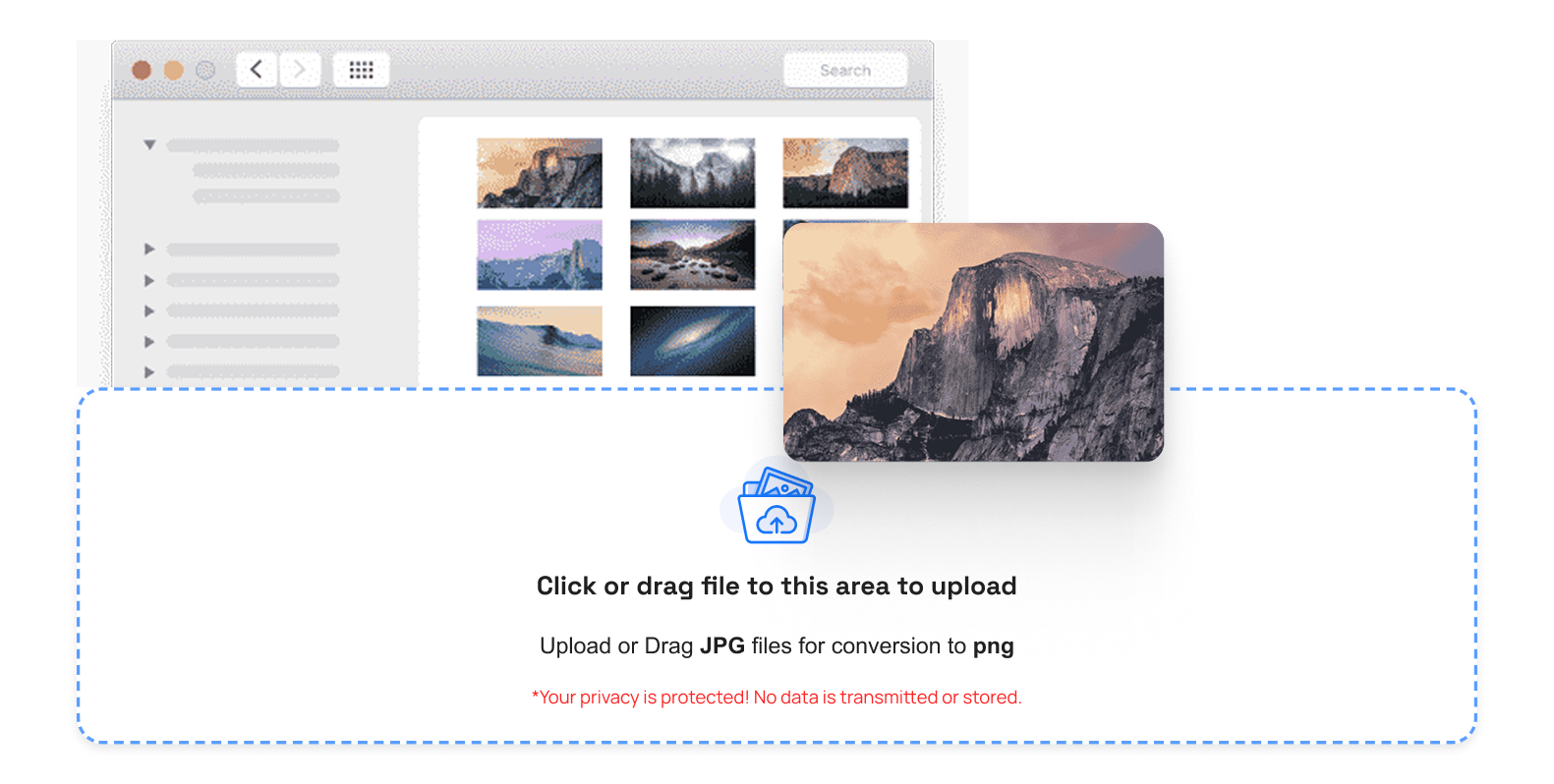
Step 2: Automatic ICO Compression
After uploading, TrimIMG begins compressing your icon file immediately. The tool splits the files of ICO with high precision and accuracy and preserves clean edges and visual harmony.
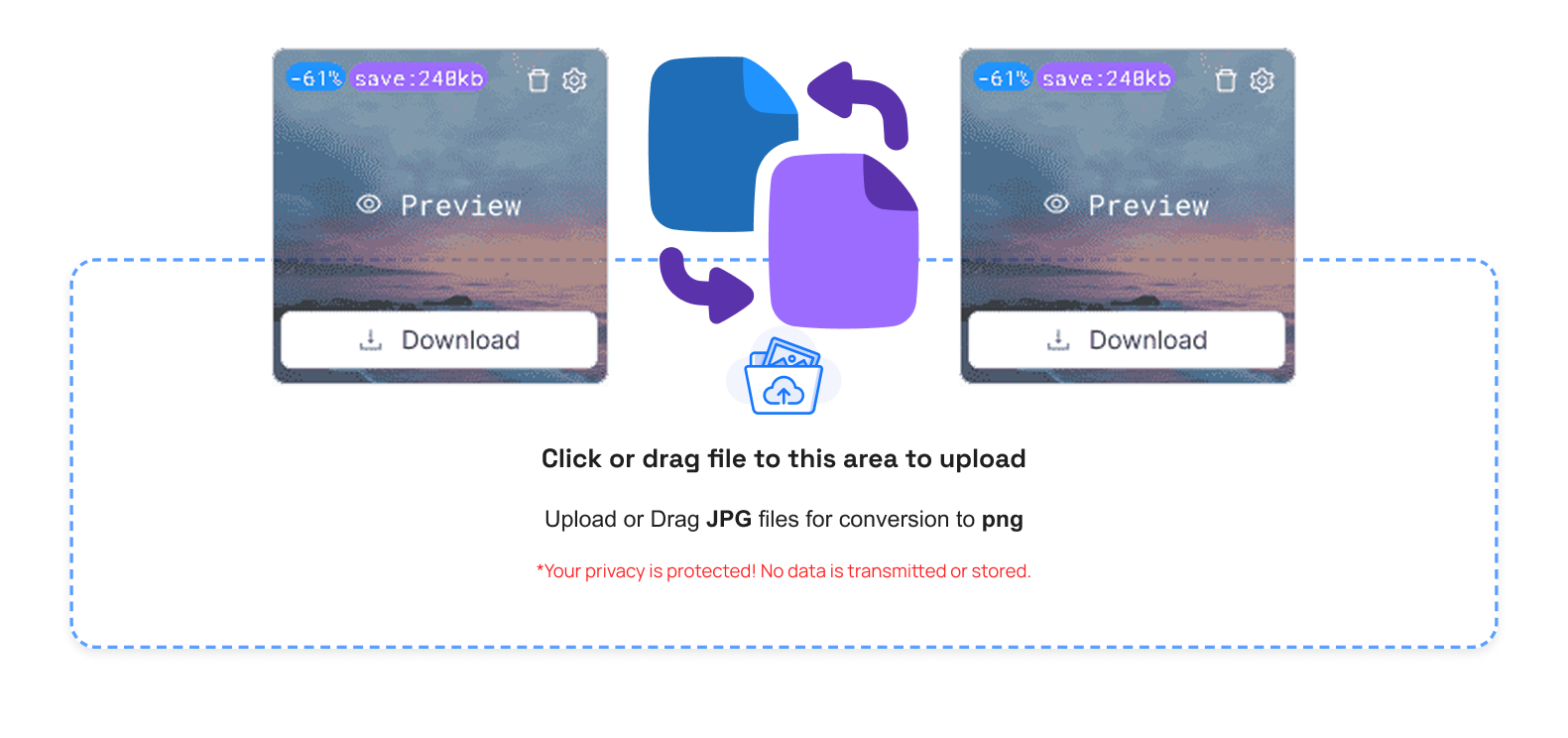
Step 3: Handle Your Optimized Files Easily
After compressing, several management options are conveniently in place
- Trash button: Delete the icons you do not need anymore
- Compare button: Compare original and compressed icons
- Size option: See the extent to which the file size has been compressed
- Preview button: Open up the icon that was compressed
- Download button: Click on the save button once, and save the file that has the compressed icon
- Download All (ZIP): There is a single (ZIP) file that includes several downloaded icons
- Clean Queue: remove all the uploaded files as fast as possible
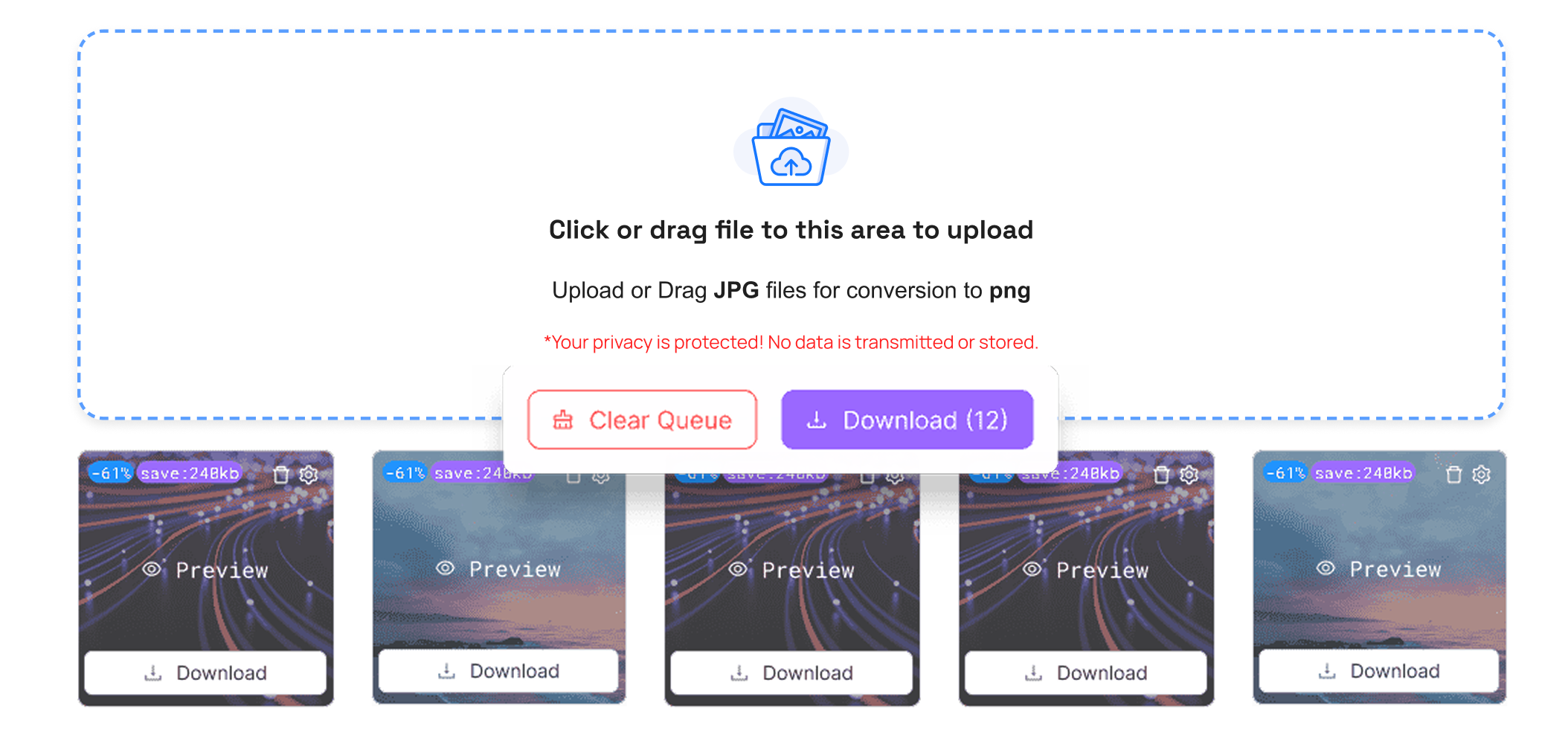
Step 4: Publicity Optimized ICO Files
Choose the download button to save your optimized icon file at the moment. It is speedy and compatible with all current browsers and devices.TrimIMG works just as well with mobile, tablet, laptop, and desktop.
Step 5: Use Icons Anywhere
Your small icons are now available for use on various platforms and projects. You can post them on websites, application software, or operating systems. Storing and sharing icons is easy, and one does not have to worry about the size of a big file.
Why do you need the ICO Image Compressor?
The icons' compression is a mandatory element in modern digital design and development. Large icons slow down the performance and utilization of resources that they do not require.
The benefits of the ICO image Compressor
- Quick site and application loading
- Reduce the use of storage in devices and cloud solutions
- Essentials of improved sharing via email and online tools
- Increased adherence to hard disk size restrictions
- Crush without any distortion
Conclusion
To safely decrease the ICO files, an online ICO compressor will be a good choice in order to preserve the files, not only being clear but also professional, and making your ICO files easier to share and store.



