


JPG Compressor: Quick and Simple JPG Image Compressor
JPG compressor applications are used to minimize large JPG files that slow down internet pages, consume more space, and increase the difficulty of transferring the files. A JPG compressor compresses the images without affecting the quality; hence, web pages, emails, social media, and routine work are perfect with JPG files.
TrimIMG lets one use a JPG compressor online. You post your image, the compression begins immediately, and you have to download the optimized file. No software. No technical steps. It all occurs within a few seconds.
Smaller JPG images are faster and take up less space. When fully compressed, you will be able to post pictures on the internet with little difficulty, send them via email in a moment, and keep your online site running smoothly. If you need a JPEG to JPG compressor or want to compress JPG online, TrimIMG gives clean and reliable results for free.
How to Use the TrimIMG JPG Image Compressor
TrimIMG is designed to ensure that everyone finds it easy to compress images. Downsizing the JPG file size can be achieved by clicking a couple of times, and pictures maintain their clarity and sharpness.
Step 1: Upload JPG Images Quickly with TrimIMG
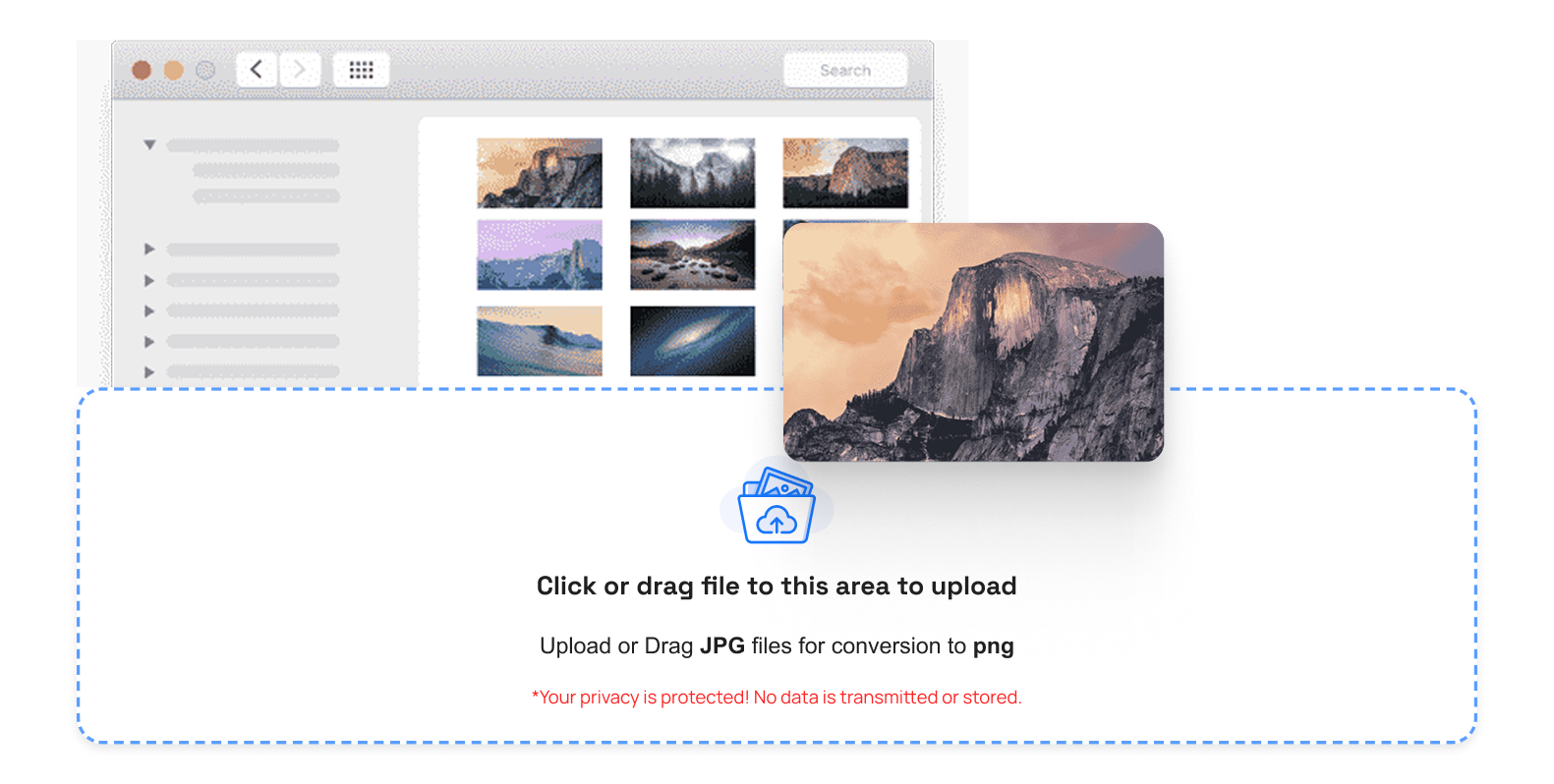
Upload your JPG image to TrimIMG to get started, using drag-and-drop or by selecting it from your device. It can be dragged or dropped in the upload section and can also be chosen through the devices. TrimIMG supports many image formats such as PNG, JPG, WebP, GIF, HEIC and more making it easy and hassle-free to upload any file.
Step 2: Compress Your JPG Instantly
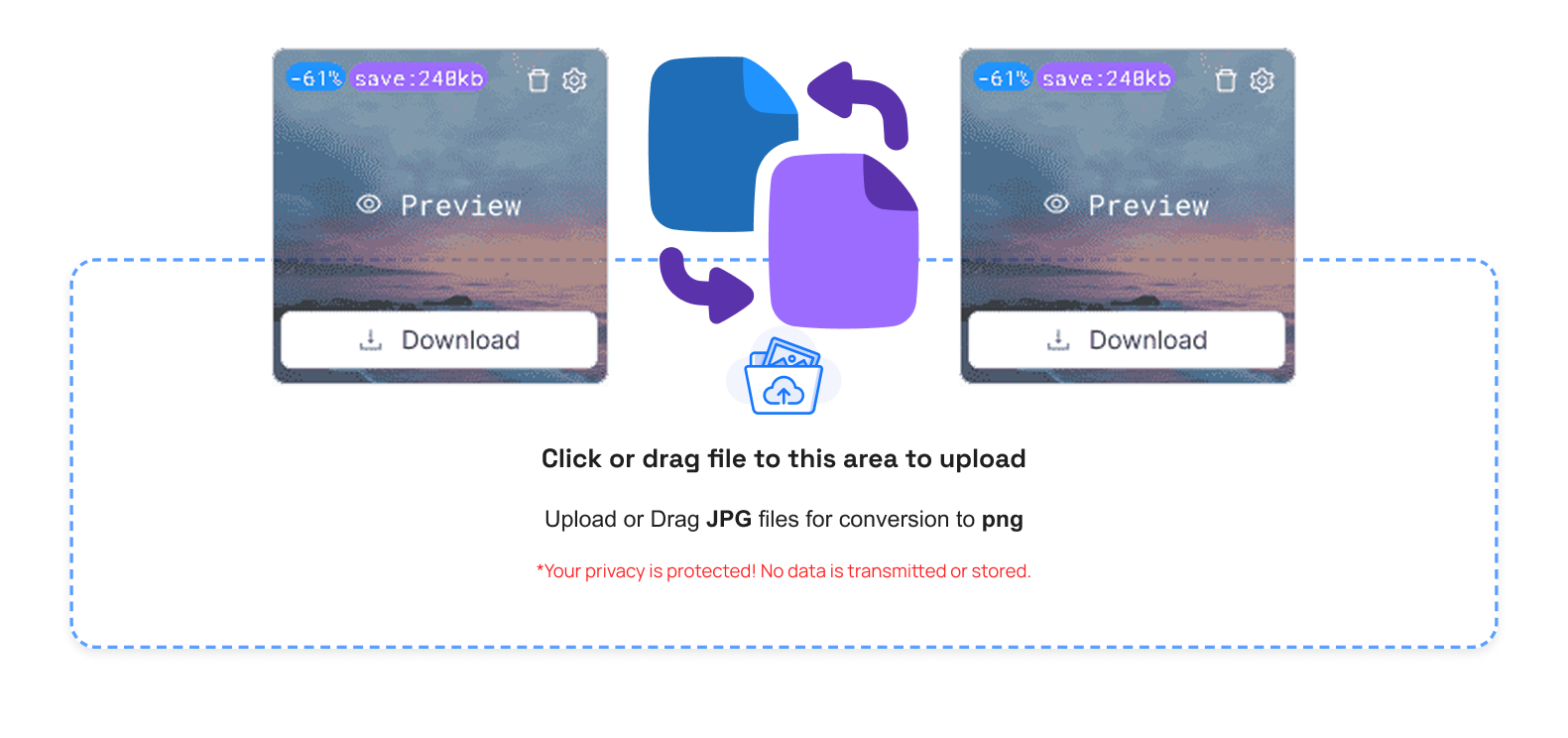
After uploading, the JPG compression process runs automatically. If you need to downsize an image to fit a site, form, or email, the system compresses the file without affecting quality.
Step 3: Control your compressed JPG images
Once it is compressed, you are offered options:
- Trash Button: Delete images you don't need
- Compare Button: MACCM compares the original and compressed JPG
- Size Info: Check the reduced file size
- Preview Button: Preview the final image
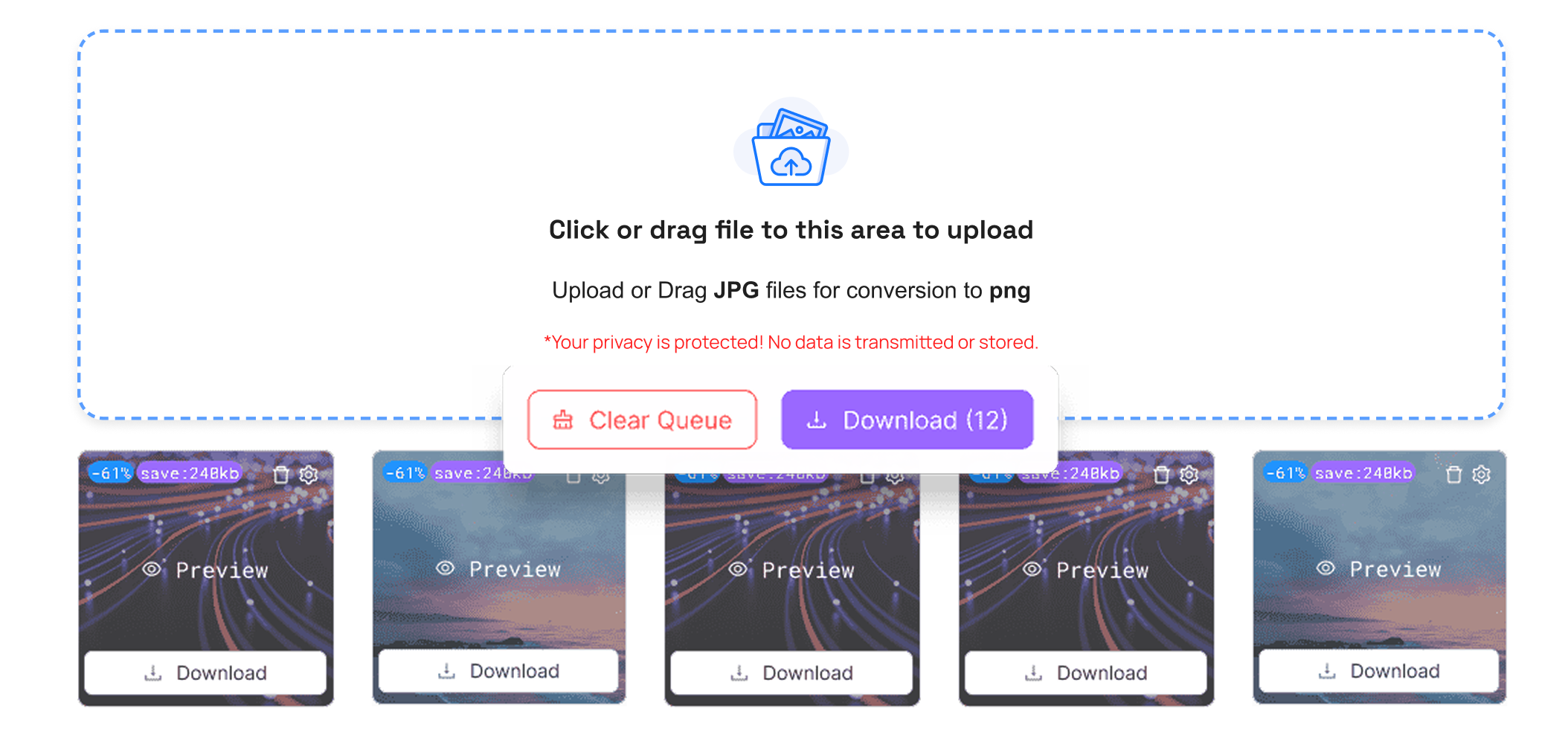
- Download Button: Download the individual files or the complete list of files as a ZIP file
- Download All Button (ZIP): Get the upload queue clear right away
Step 4: Load optimized JPG images
All you need to do is click the save button and save your compressed JPG image immediately. TrimIMG is fully compatible with mobile, tablet, and desktop devices.
Step 5: Use JPG Images Anywhere
Your JPG images are optimized and are ready. Post them on websites, email, or social media, or save them without worrying about file size.
Advantages of JPG Image Compression
- Faster loading time : Smaller versions of JPG image files have a higher ability to accelerate the speed and user experience of the site.
- Use less space: Compression of images consumes a smaller amount of space in your computer or server
- Just posted: JPGs are small and can be uploaded faster via email or via social media
- Web-ready format: JPG is compatible with every system and gadget
- None of the images disappeared: image quality, color, and details are not the same as before compression.
Conclusion
Compression of the images through the use of JPG is a clever method of decreasing the size of the image without necessitating a decrease in quality. An efficient JPG squeezer improves website speed, reduces storage space, and makes sharing easier. Whether you want to compress a BMP or any other image, TrimIMG has you covered. All tools are completely free and work effortlessly, with no hidden fees.



