PNG vs JPG vs WebP: Which Image Format Should You Use?
 Mujahid H.
- March 30, 2026
- 6 min read
Introduction
If you have an image to upload to a website, social media platform and e-commerce store. You can consider three different types of image formats, like PNG, JPG, and WebP. However, it depends on small decisions that can improve your page load time, how sharp your image visibility is, and how much storage space photos consume.
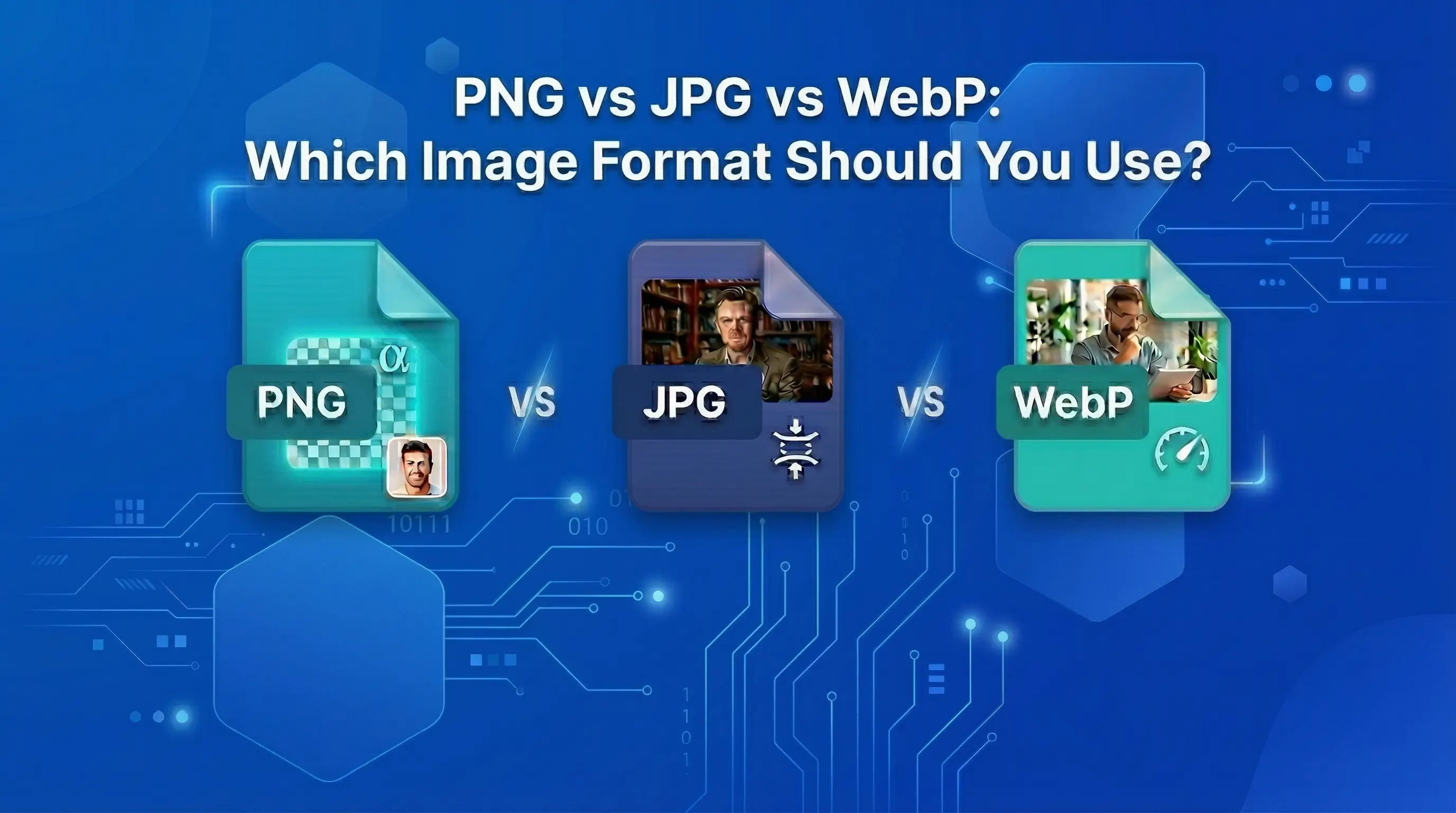
The truth is, each photo format has a particular job. PNG format is built for sharp graphics. The JPG format is built for photos. WebP format is created for the web.
In this blog, you will learn exactly what makes each format different, when to use each one, and how to convert between them for free using TrimIMG.
Why Does Selecting the Right Format Matter?
Image format is not just a technical detail. It directly impacts your website loading time, your SEO rankings, your storage expenses, and how your images look to visitors. Here is why this conclusion counts more than most people recognize.
Website Speed and SEO
Photos are the bigger file size on most web pages. A page full of unminified PNG files can take 6 to 8 seconds to load. That is sufficient to make most visitors exit before they see the website landing page. Google calculates page speed as a ranking factor through Core Web Vitals. If a website is loading slow, then its pages rank lower. Selecting a shorter format like WebP or JPG instead of PNG for pictures can cut your page load time in half.
Image Quality for the Right Content
Using the JPG format for a logo with a transparent background will ultimately ruin the picture. Using the PNG format for a full-resolution photo gallery will make your website slow. The right format saves your images strongly, where they need to be sharp and small where they need to be small.
Storage and Bandwidth Costs
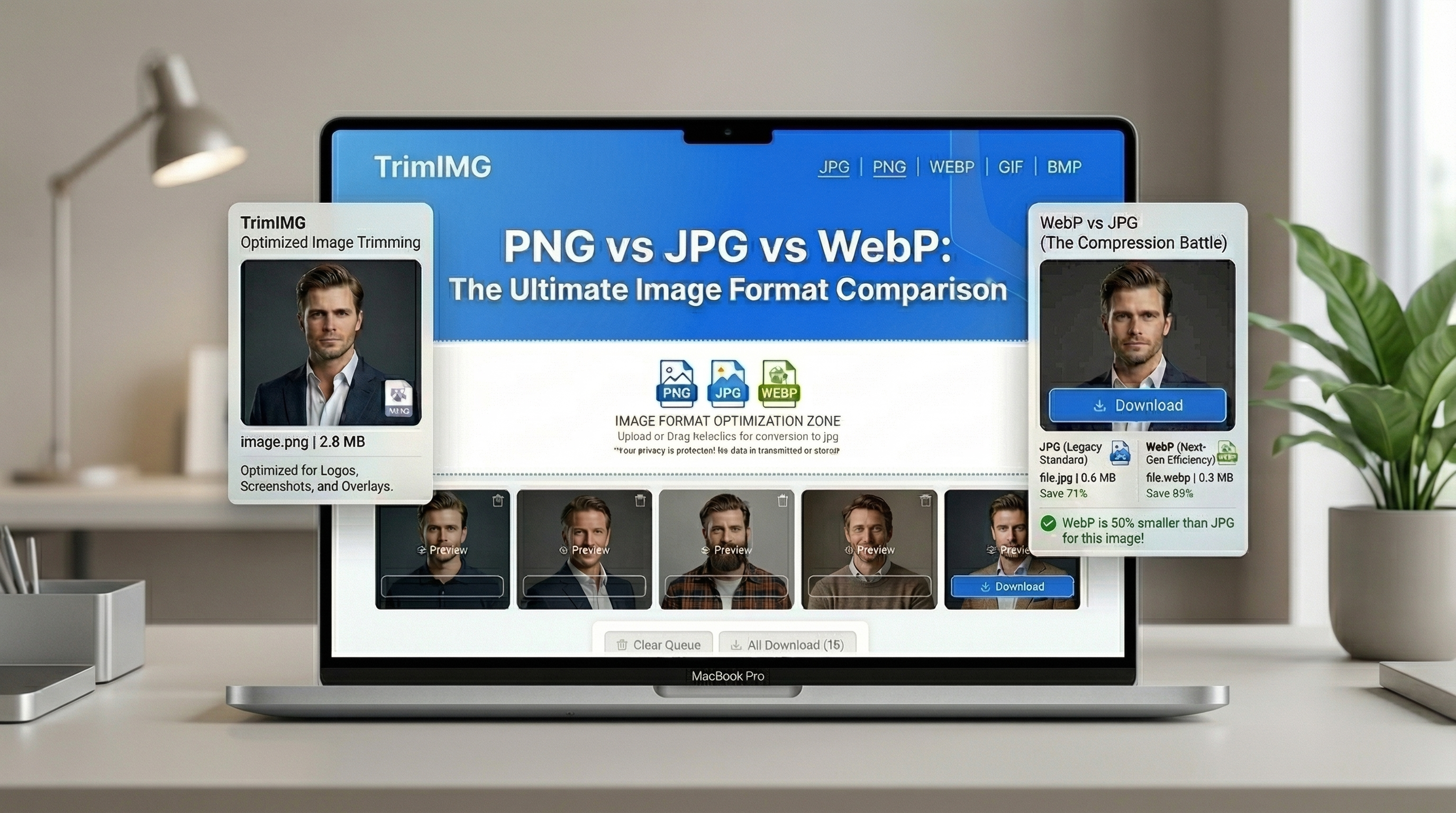
If you operate a website with hundreds of media files, like images and videos, the format you pick has a direct effect on your hosting costs. Changing from PNG to WebP for your product photos can decrease your total image storage by 40 to 60 percent. That adds up fast.
PNG vs JPG vs WebP
Here is a simple, helpful direction to selecting the right format for every condition.
When to Use PNG
- Logos and UI icons: specifically, when you need a transparent background
- Screenshots and UI graphics: where intense edges and text must be correctly readable
- Illustrations with flat colours: diagrams, charts, infographics, and sketches
- Images you will edit again later: since PNG does not stain with each save
You can reduce your PNG files' size without any quality loss using the TrimIMG PNG Compressor.
When to Use JPG
- Photographs: JPG format is best for topography, capture trip photos, print out painting images, meal & diet plan images, and e-commerce product snapshots.
- Blog post images: Banner images, blog post featured photos.
- Social media photos: Facebook, LinkedIn, Instagram and Pinterest operate best with the JPG format
- Email attachments: Tiny file size makes JPG format ideal for email
Decrease the file size of your JPG photos using the free TrimIMG JPG Compressor.
When to Use WebP
- Website images: WebP format is smaller than both PNG and JPG formats, enhancing the page speed.
- E-commerce product photos: a faster loading web page directly enhances conversion rates in online stores.
- WordPress & website builders: stylish themes and plugins completely support the WebP format
- Any image where file size counts: WebP delivers the best balance of quality and size
Convert your JPG or PNG to WebP in seconds with the free TrimIMG WebP Converter.
Convert PNG, JPG, and WebP formats.
You do not need any software or sign up to convert between these formats. TrimIMG's free Image Converter manages all modifications instantly in your web browser. Here is how:
- Step 1: Choose the best converter like TrimIMG
PNG Converter is used to change the format to PNG, the JPG Converter is used to change the format to JPG, or the WebP Converter is used to change the format to WebP. No need to purchase a premium plan, or registration is not needed. Just open the web page and start converting.
- Step 2: Upload or Drag & Drop File
Click on the uploader button or drag & drop your image to directly upload to the queue list. TrimIMG allows all types of formats like PNG, JPG, JPEG, WebP, BMP, SVG, HEIC, GIF, and ICO, etc.
- Step 3: Your Output Format
After successfully uploading the image, you can select the file format you want to change. If you want to convert a logo from JPG format to PNG, select PNG. If you want to convert a photo for your website, then you should choose WebP.
- Step 4: Convert and Download
Click the convert button. TrimIMG processes your image in a few seconds. Once the process is done, click the download button, then file starts downloading. For multiple images, use the Download All button to save all images in ZIP format.
Frequently Asked Questions (FAQ)
Which format is better, PNG or JPG?
For web use, yes. WebP format has shorter file sizes than both PNG and JPG at the same quality. It also supports transparent background, like the PNG format.
Does converting PNG to JPG reduce quality?
Yes, slightly, because JPG uses lossy reduction. However, at an image grade set of 70% to 80%, the distinction is not apparent to most people.
Can I use WebP on all platforms?
Yes. All updated browsers use the WebP format, like Chrome, Firefox, Safari, and Edge. WordPress and all other CMS also support WebP.
Which Photo format is best for product photos in an e-commerce store?
WebP is the most allowable choice for e-commerce product pictures. It gives you smaller file dimensions than JPG, which means quicker page loads. Use TrimIMG's WebP Converter to convert your product photos in bulk before uploading to the store.
Which format should I use for social media Platforms?
JPG format works excellently for most social media platforms. Facebook, Instagram, Twitter, and LinkedIn all handle JPG well.
Conclusion
PNG, JPG, and WebP individually have a clear goal. PNG is for sketches and transparency. JPG is for photographs and social media. WebP is for the web and it is the best choice for most modern websites.
The good news is that converting formats is easy and absolutely free. You do not need Photoshop, specialized learning, and software.
Convert your images between PNG, JPG, and WebP right now with TrimIMG's free Image Converter and give your website the speed boost it deserves.
Free · No sign-up · Works on all devices
Convert PNG, JPG, and WebP for Free
PNG, JPG, and WebP individually have a clear goal. PNG is for sketches and transparency. JPG is for photographs and social media. WebP is for the web and it is the best choice for most modern websites.
Found this helpful? Share it with your team:
Hello, it's Mujahid Hussain Creative and Professional Senior Software Engineer with 6+ years of experience building rich and interactive websites. I have a comprehensive understanding of WordPress themes, plugins, databases, and its functions.